
How Rikki works
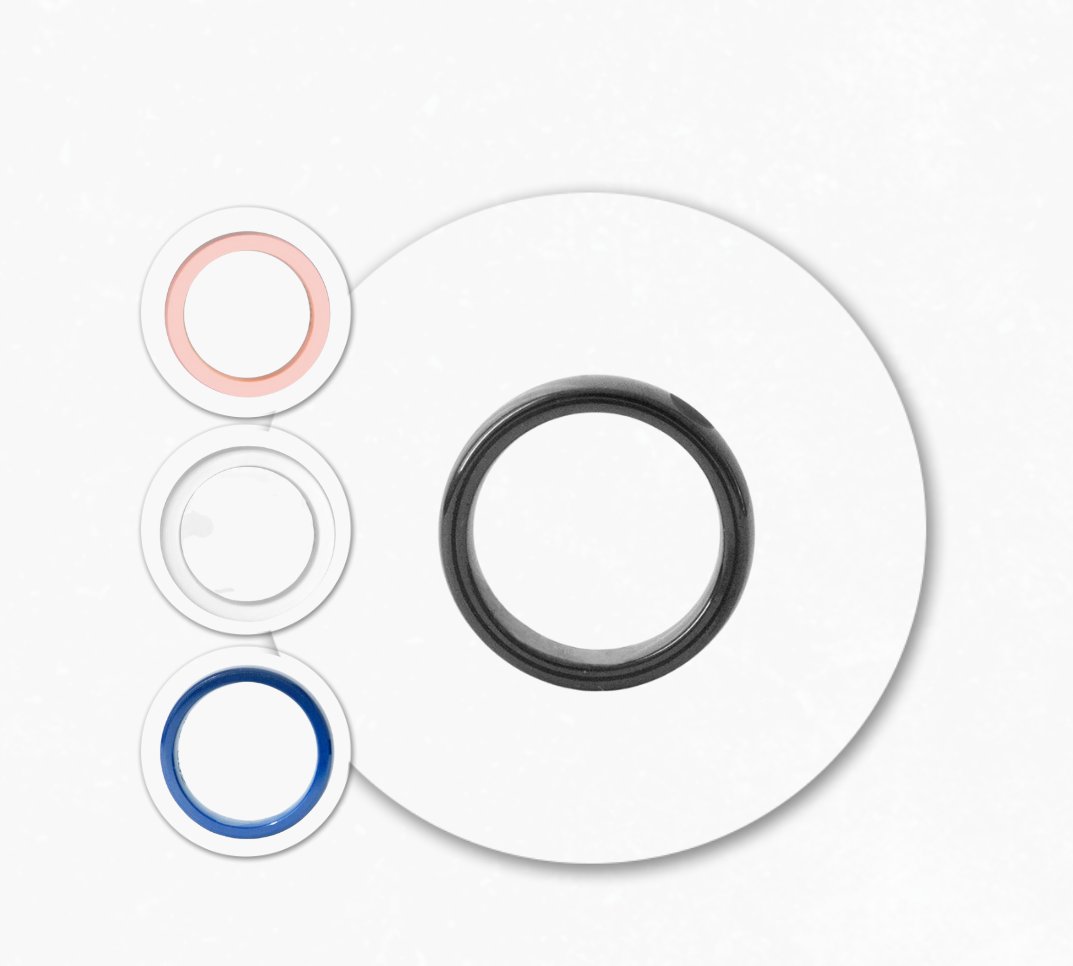
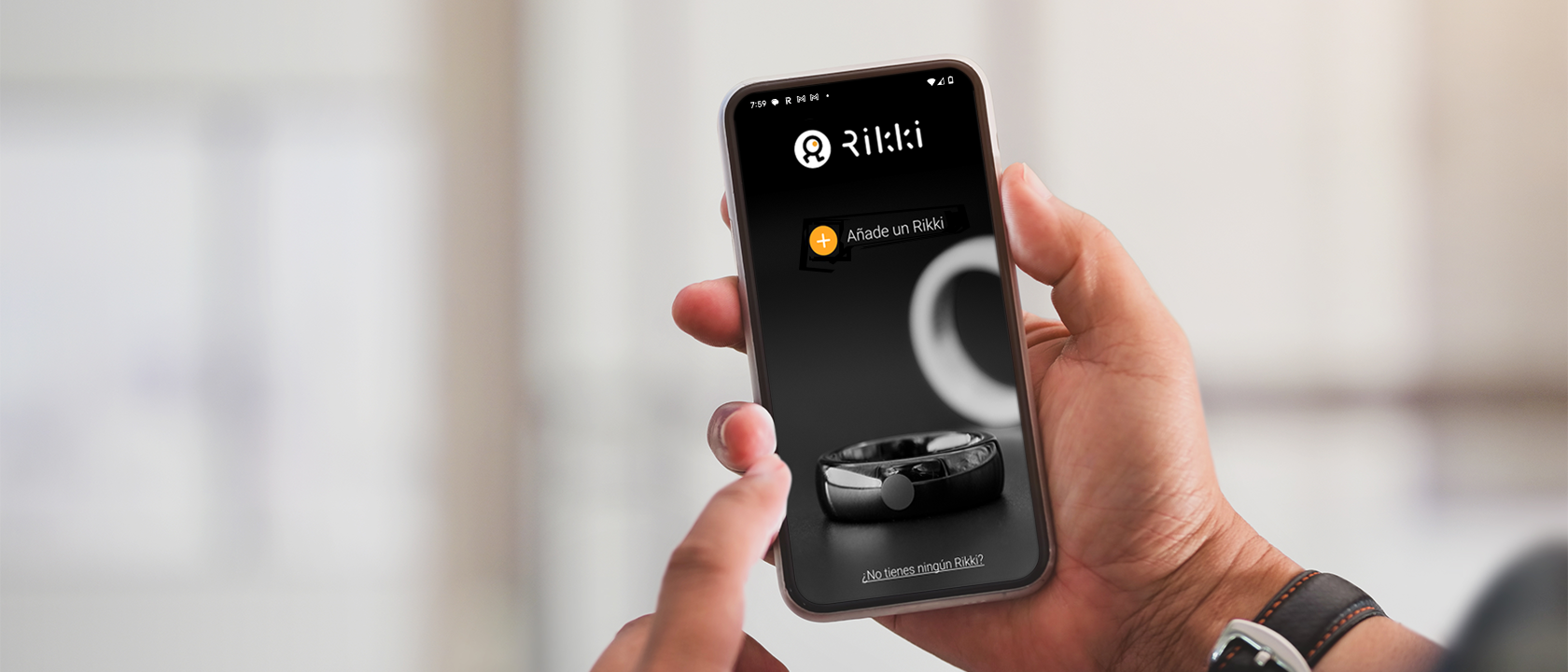
Rikki is a payment ring with NFC technology and a chip certified by Visa and Mastercard. You pay with one gesture, with no card, no phone and no battery. Here is everything you need, in four steps.
1Does it work with my bank?
Does it work with my bank? Check whether your card links directly or through a bridge card.
Look up your bank
If yours is not on the list, the Curve bridge card lets you use any Spanish or European card with your ring.
What is direct linking?
What is the bridge card (Curve)?
Do I have to transfer money to another account?
Can I use Rikki with any Spanish bank?
What about international cards?
Does it work with PayPal or crypto cards?
Can I link several cards to the same ring?
Can I use several rings with the same card?
Do I have to live in Europe?
Are there fees or maintenance charges?
2Set it up in a few minutes
Link your card and manage your ring from the app, in a few minutes.
Download the Rikki app and follow the steps. You only need your phone for the setup; you will not need it to pay. Not sure your bank links directly? Check step 1.
Your bank is on the list: link your card
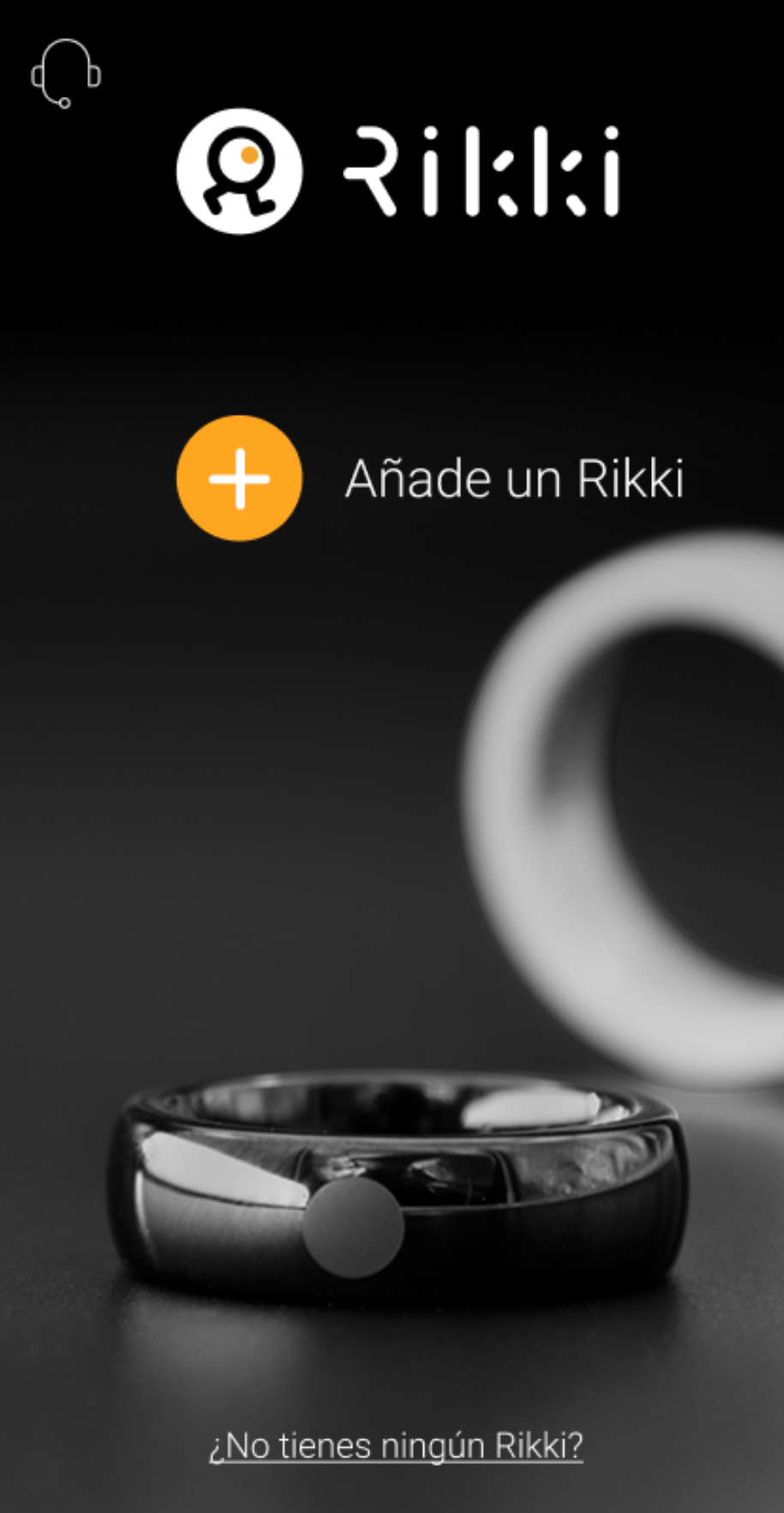
Download the Rikki app and add your ring
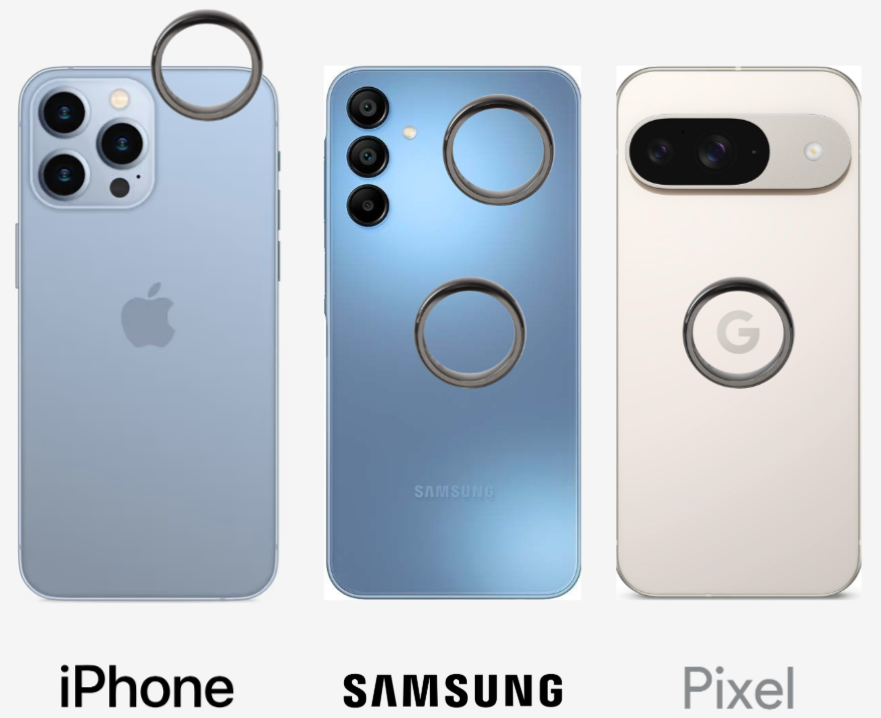
Bring the ring to the phone's NFC
The NFC position depends on your phone model.
Register your email
It will identify you as a user.
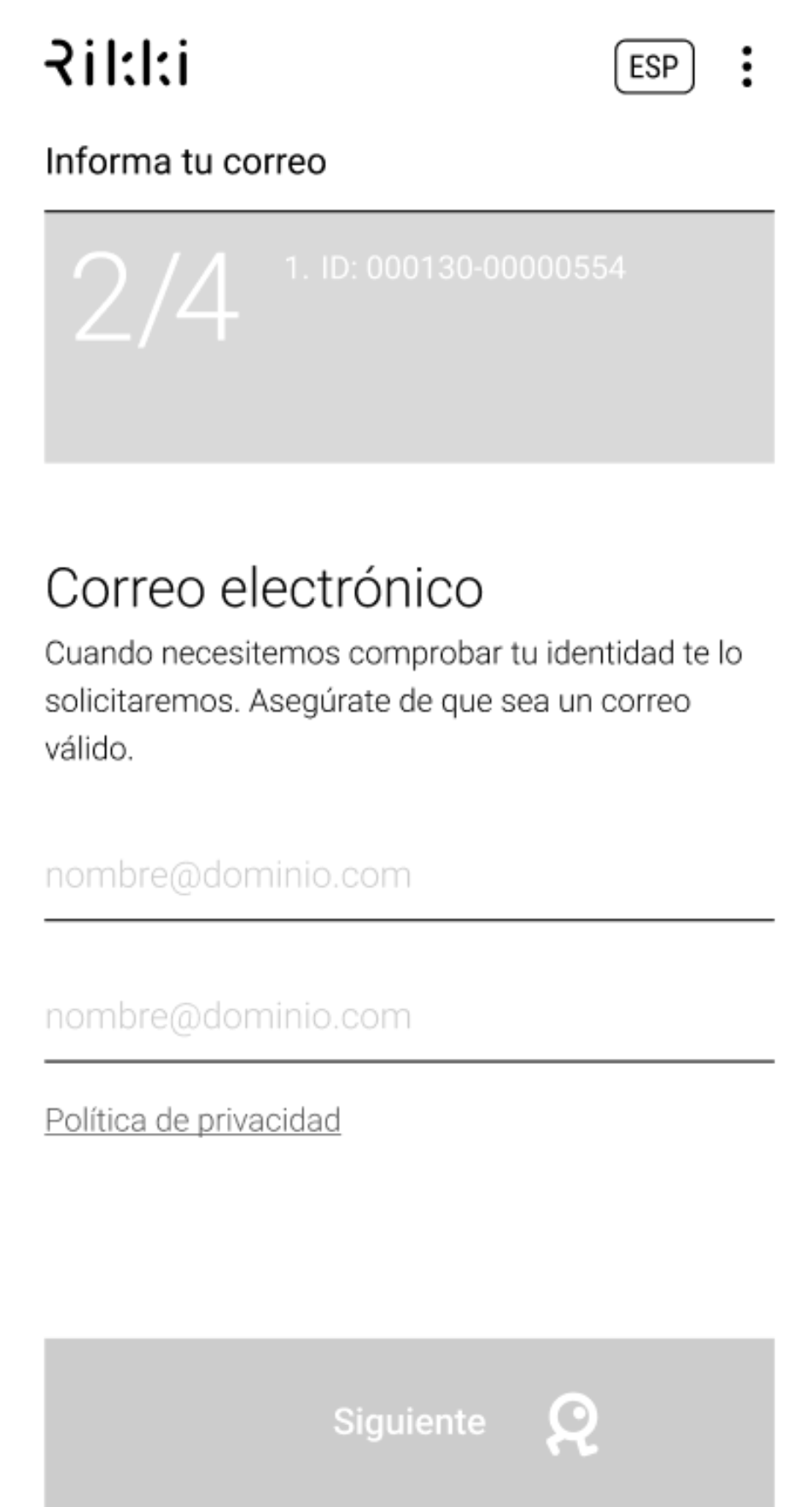
Connect your card
Rikki never sees your card data or stores it on its servers. It goes straight to Visa or Mastercard through a secure gateway, which returns a token that identifies your card and your ring.
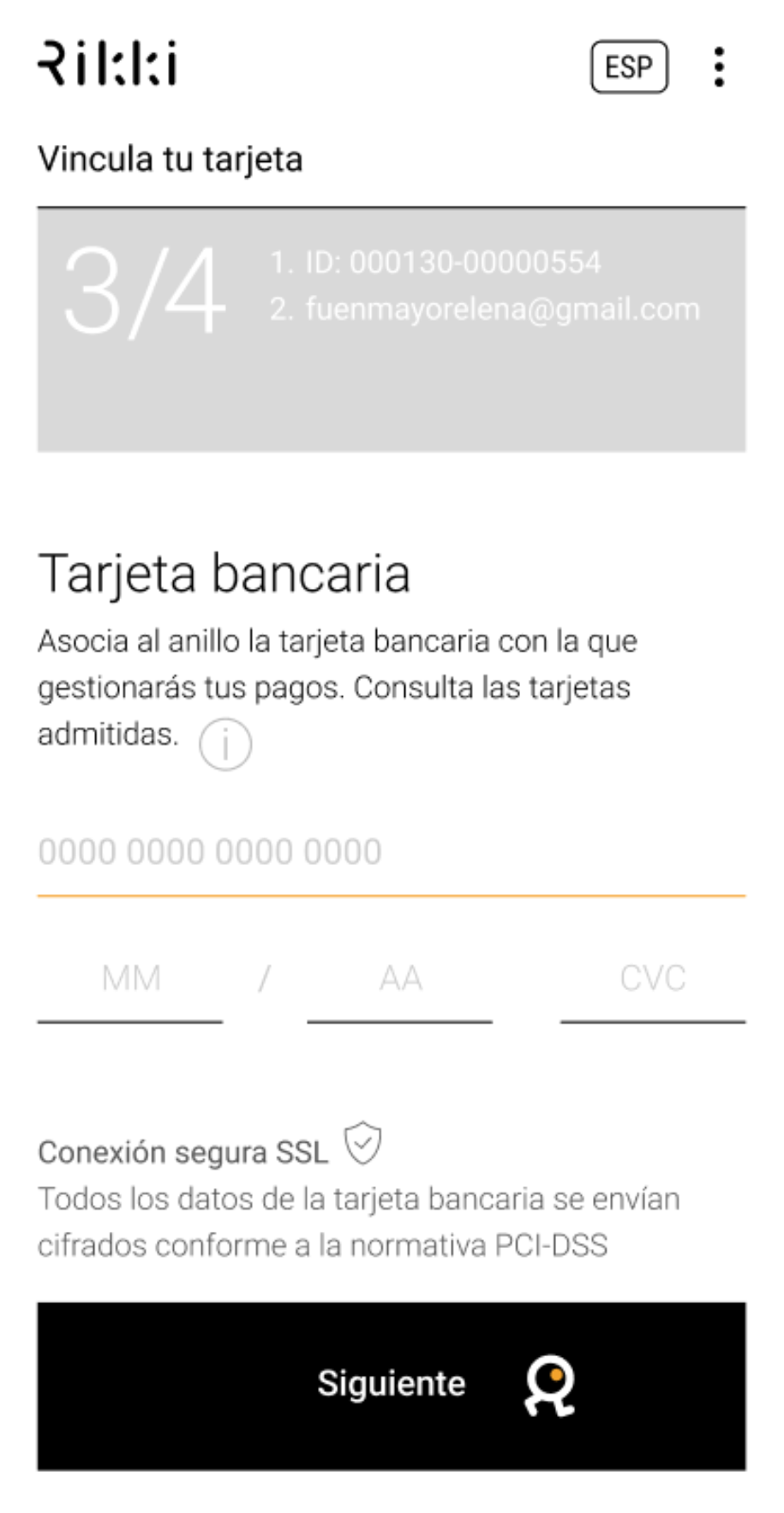
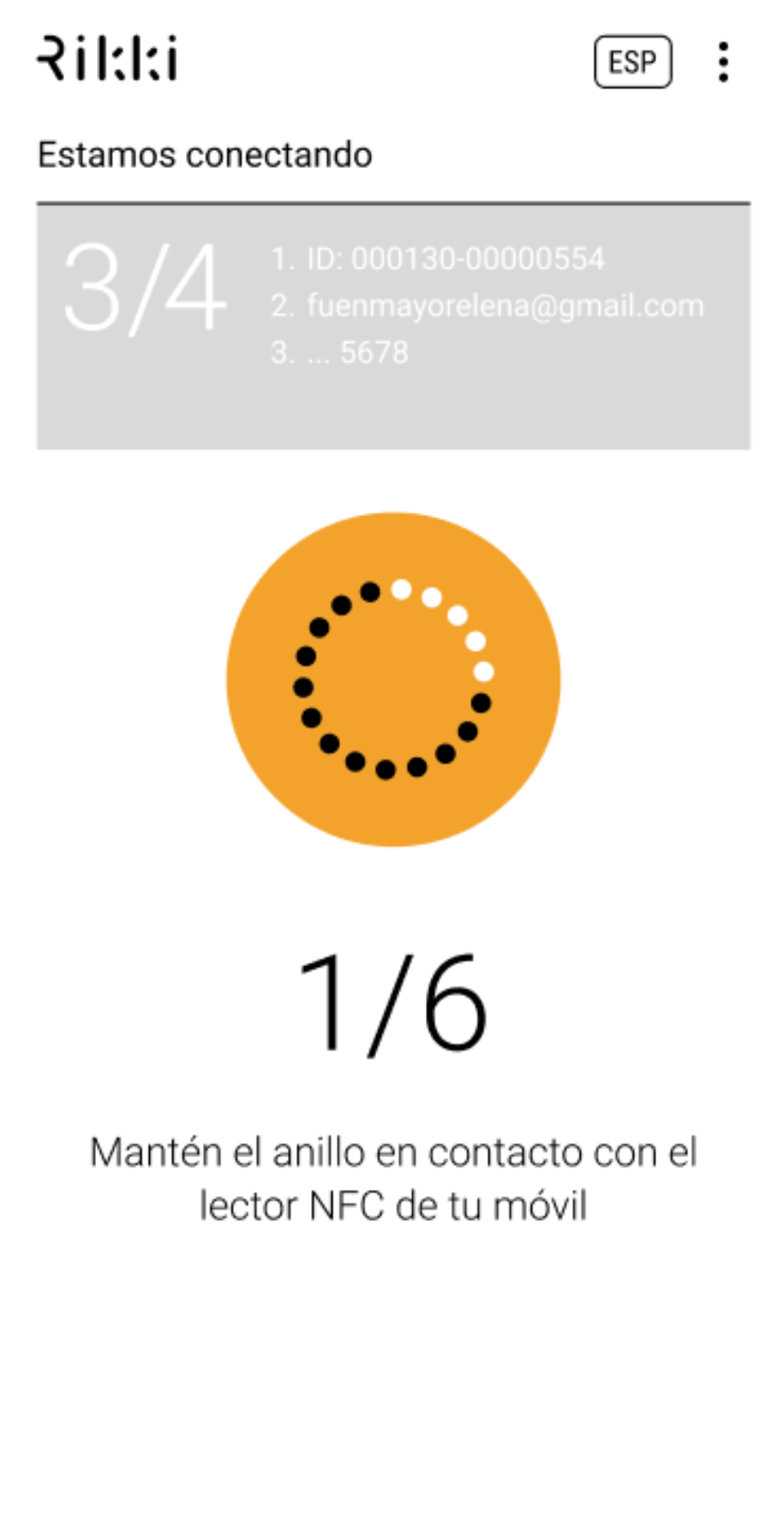
Write the token onto the ring
Put the ring on the table and the phone on top, touching the NFC. Do not move anything until the process finishes.
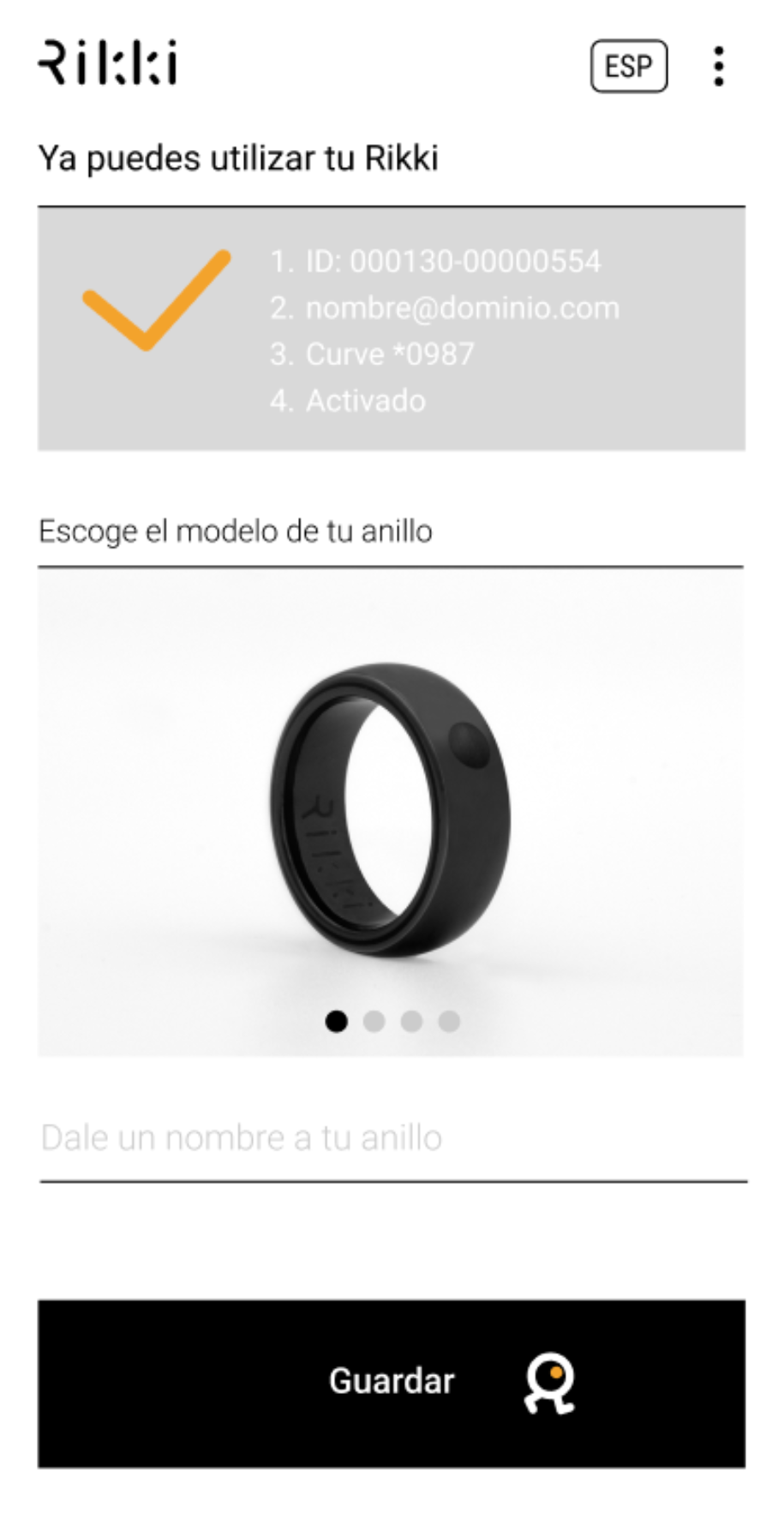
Token written
The token encrypts your card data so nobody can see it. If you lose the ring or fear fraud, you can block it yourself in the app. Only the token is blocked; your card stays active.
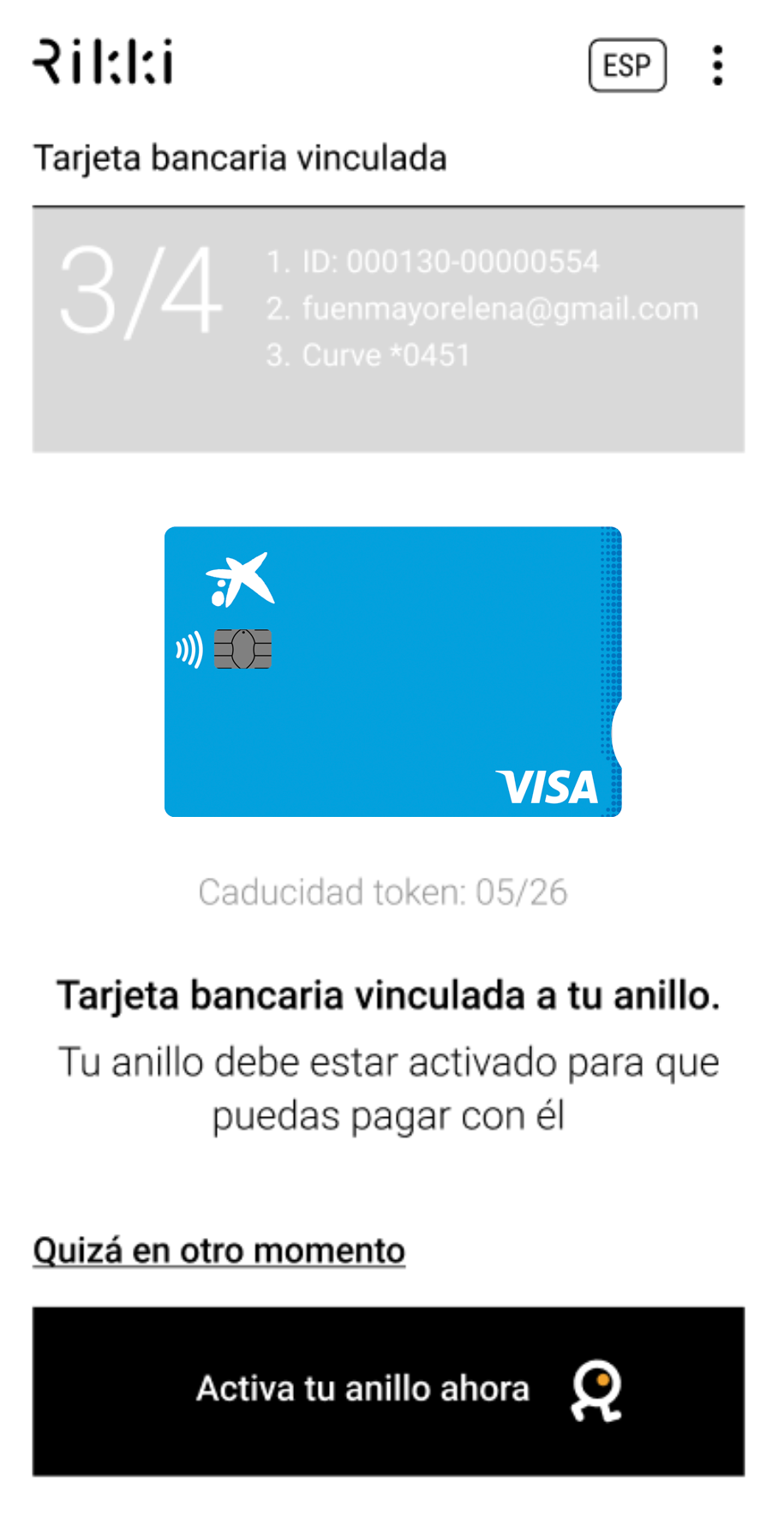
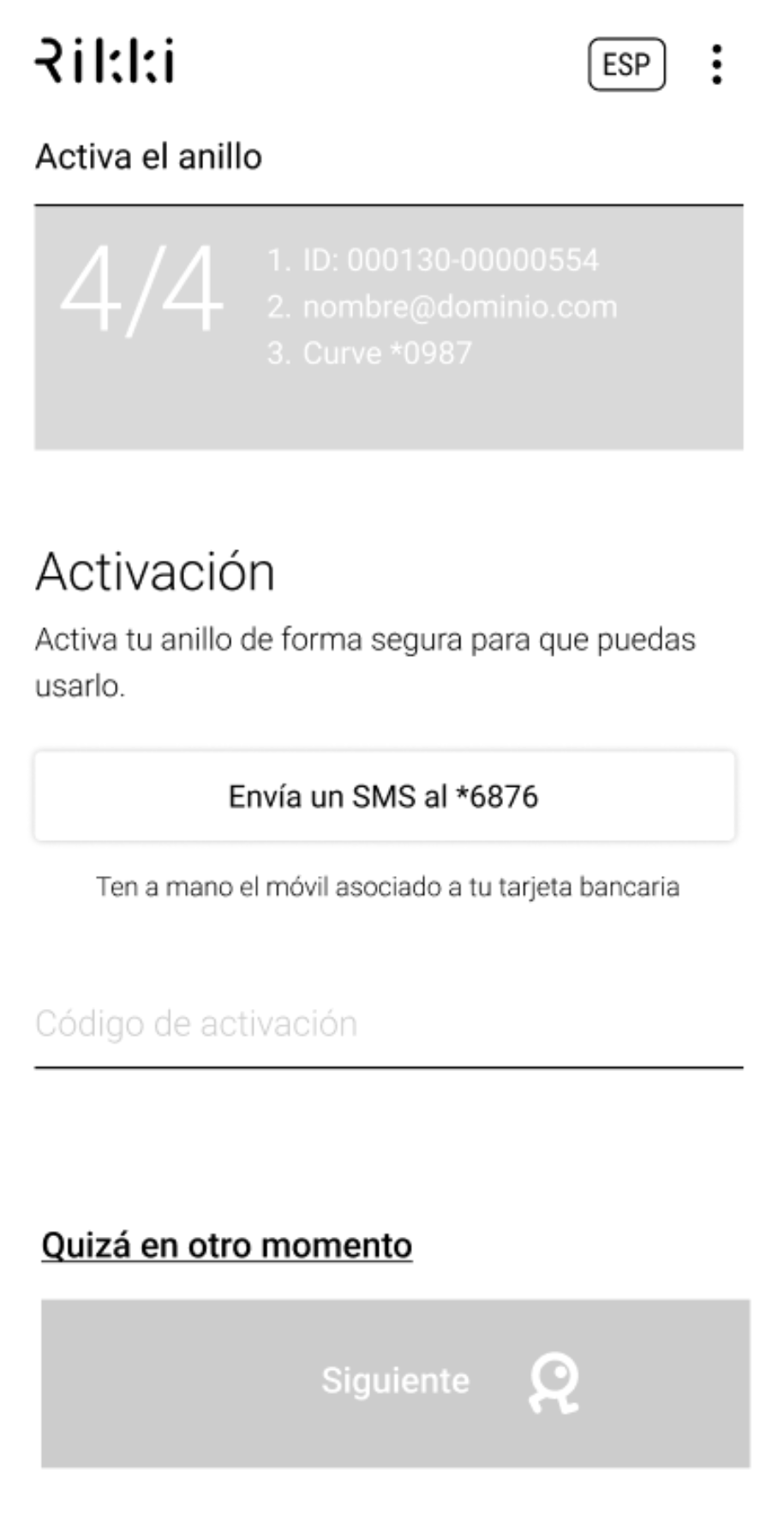
Activate the ring
Your bank will send a verification SMS to the phone number registered on your account. If it takes a while, see "Something is not working" below.
Your bank is not on the list: create your Curve bridge card
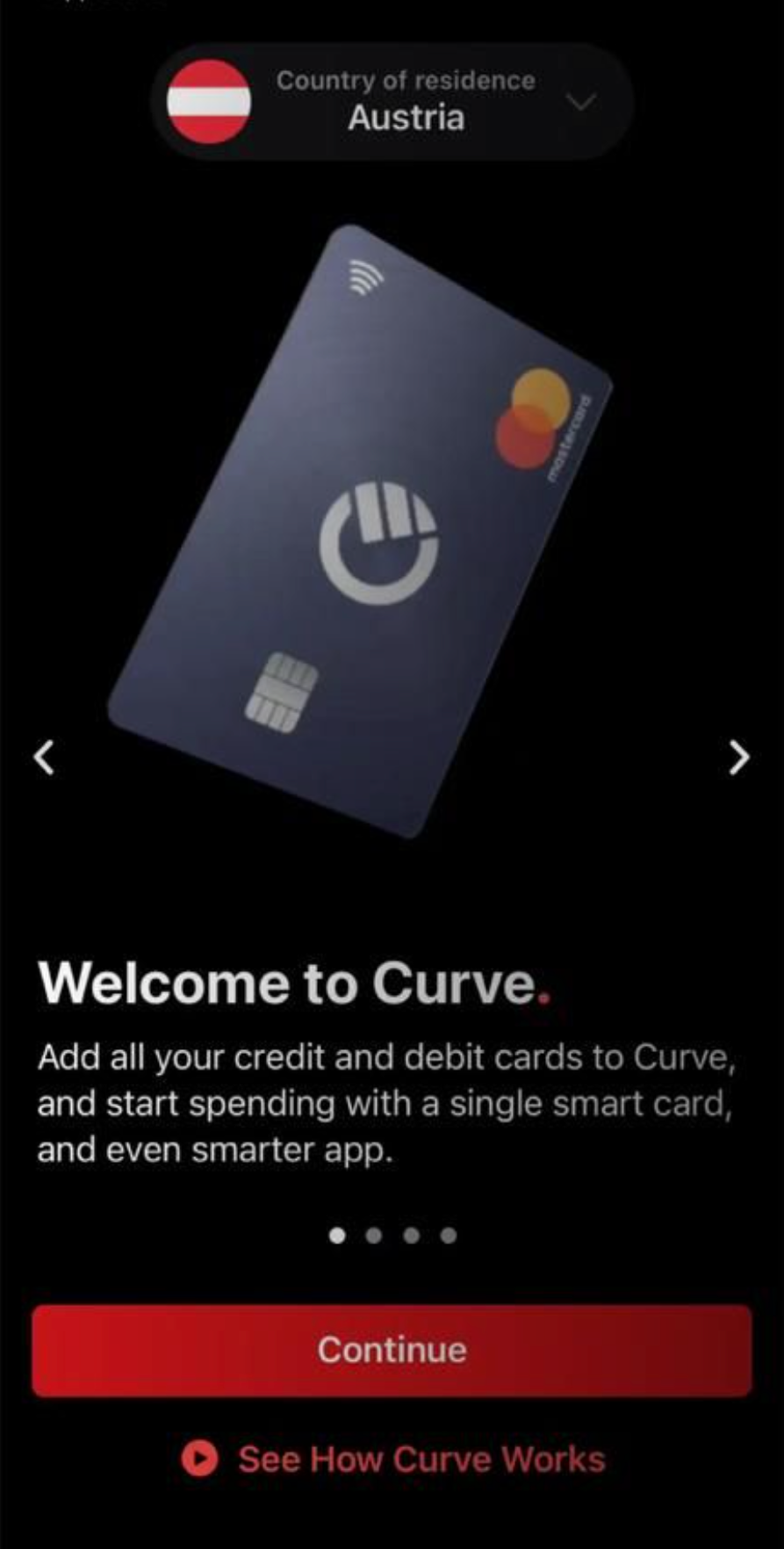
Download the Curve app and create an account
Follow the steps the app gives you.
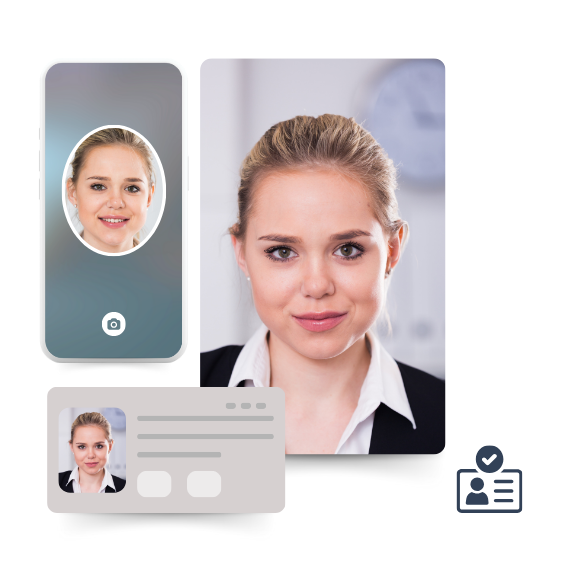
Key points to create the account
Do not use someone else's phone. Enter your details exactly as on your ID. Take the ID photo and selfie well lit, in focus, facing the camera, against a white background.
Add your bank card
You can add up to 5 cards on the free plan, but the first one must be from the EU.
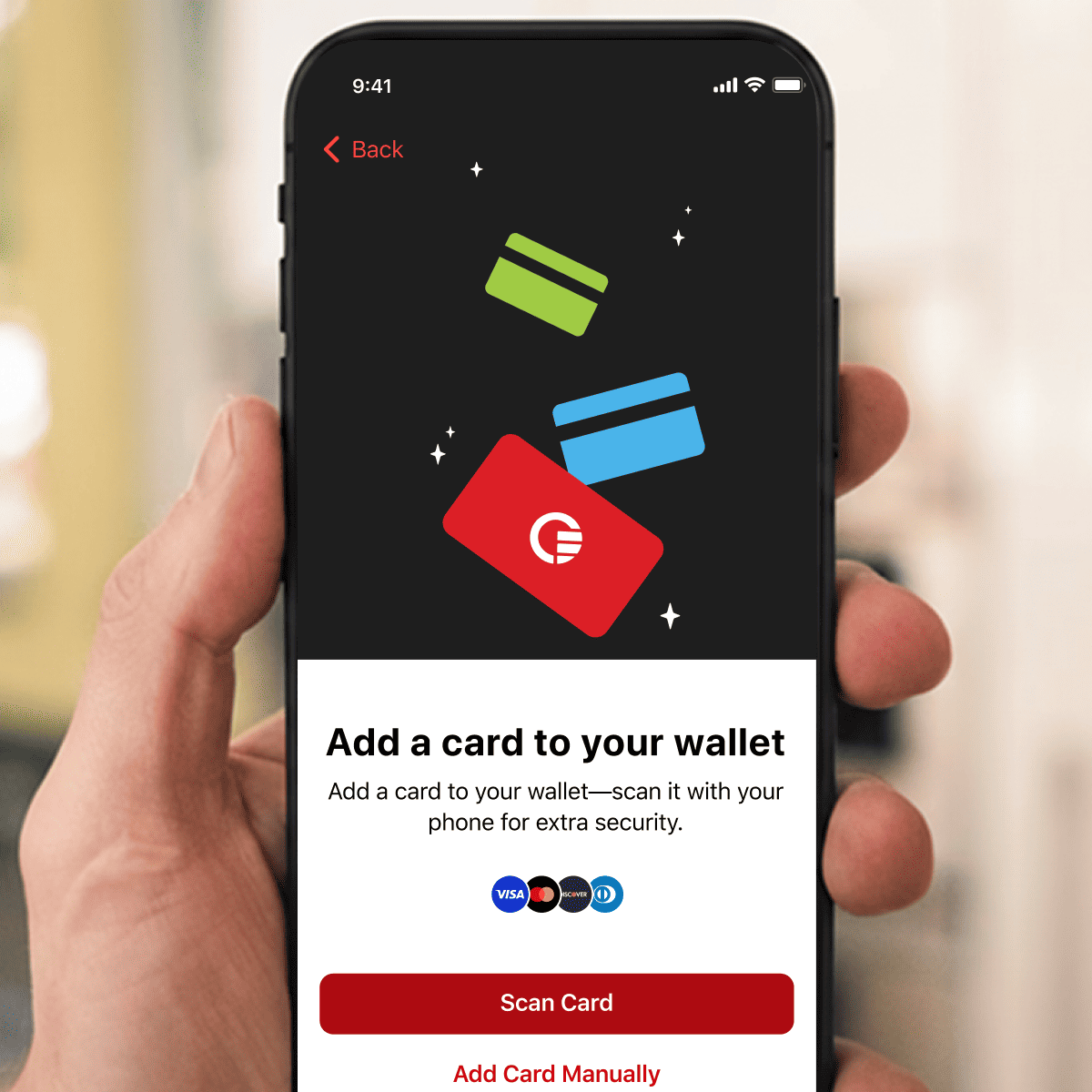
Choose your plan
The free plan is enough to use the ring. Paid plans are only for extra features.
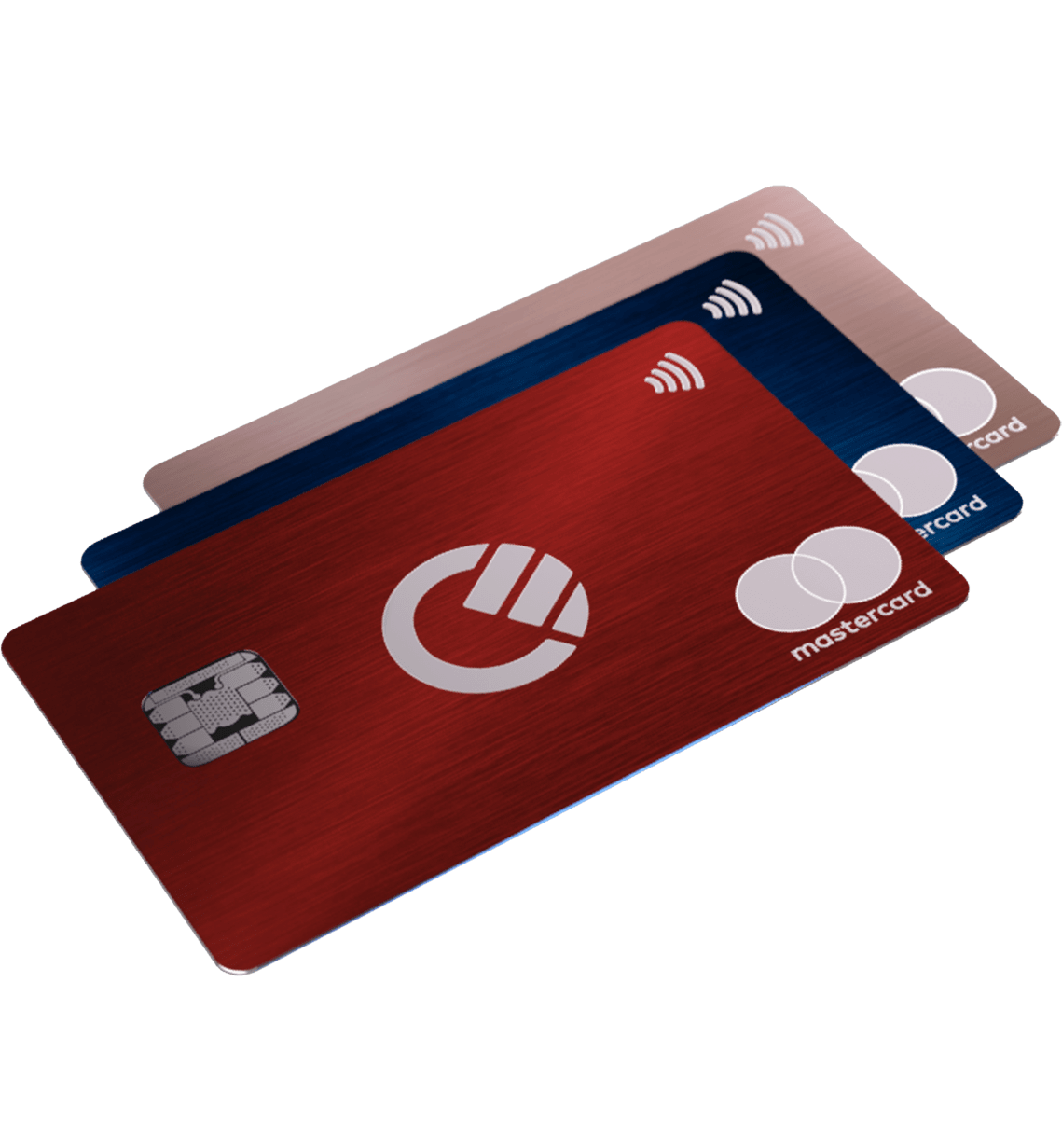
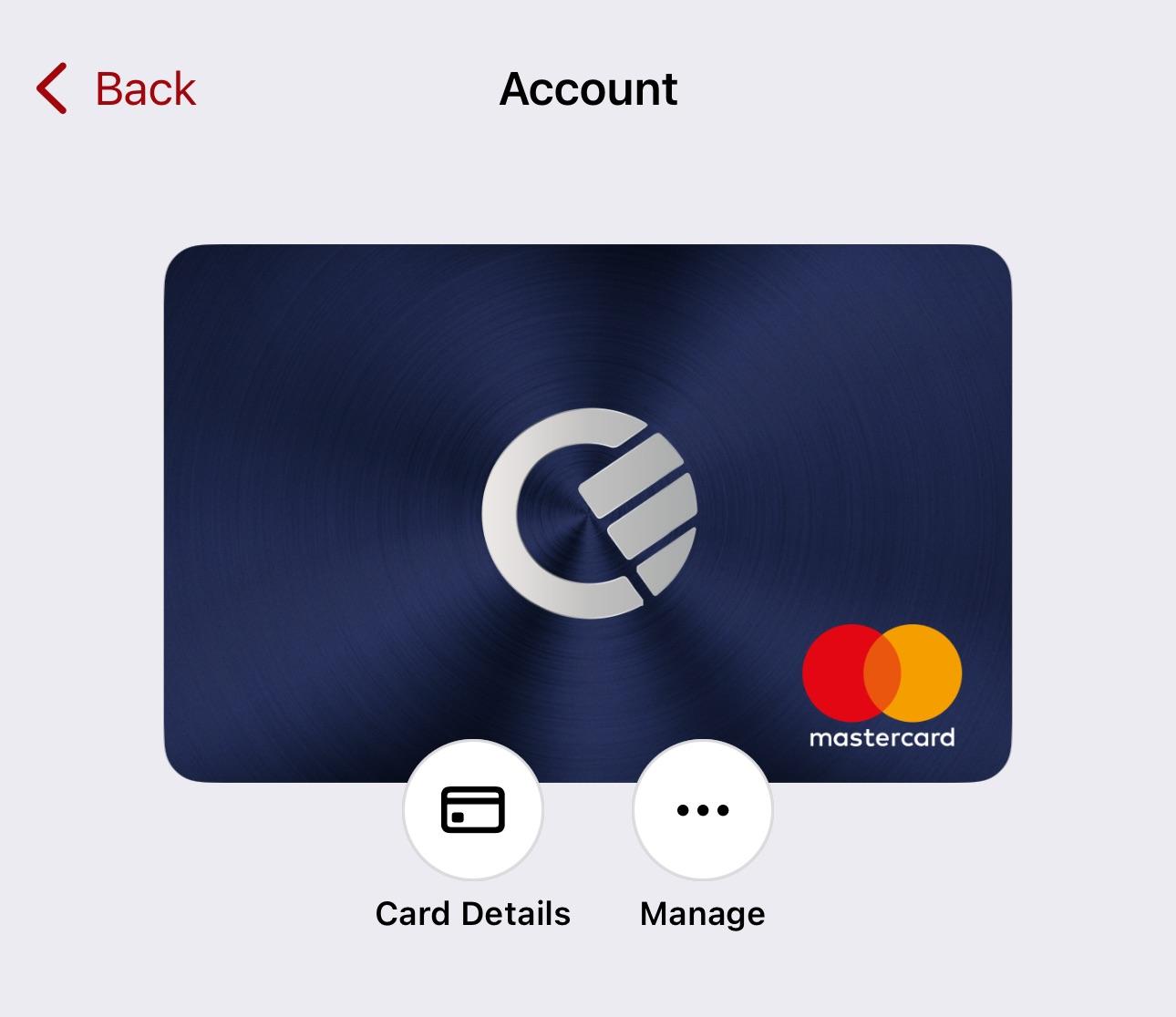
Note down your Curve card details
You will find them under "Launchpad / Account / Card details". While you are there, check the Curve PIN: it is different from your bank card PIN and it is the one you enter when paying with the ring.
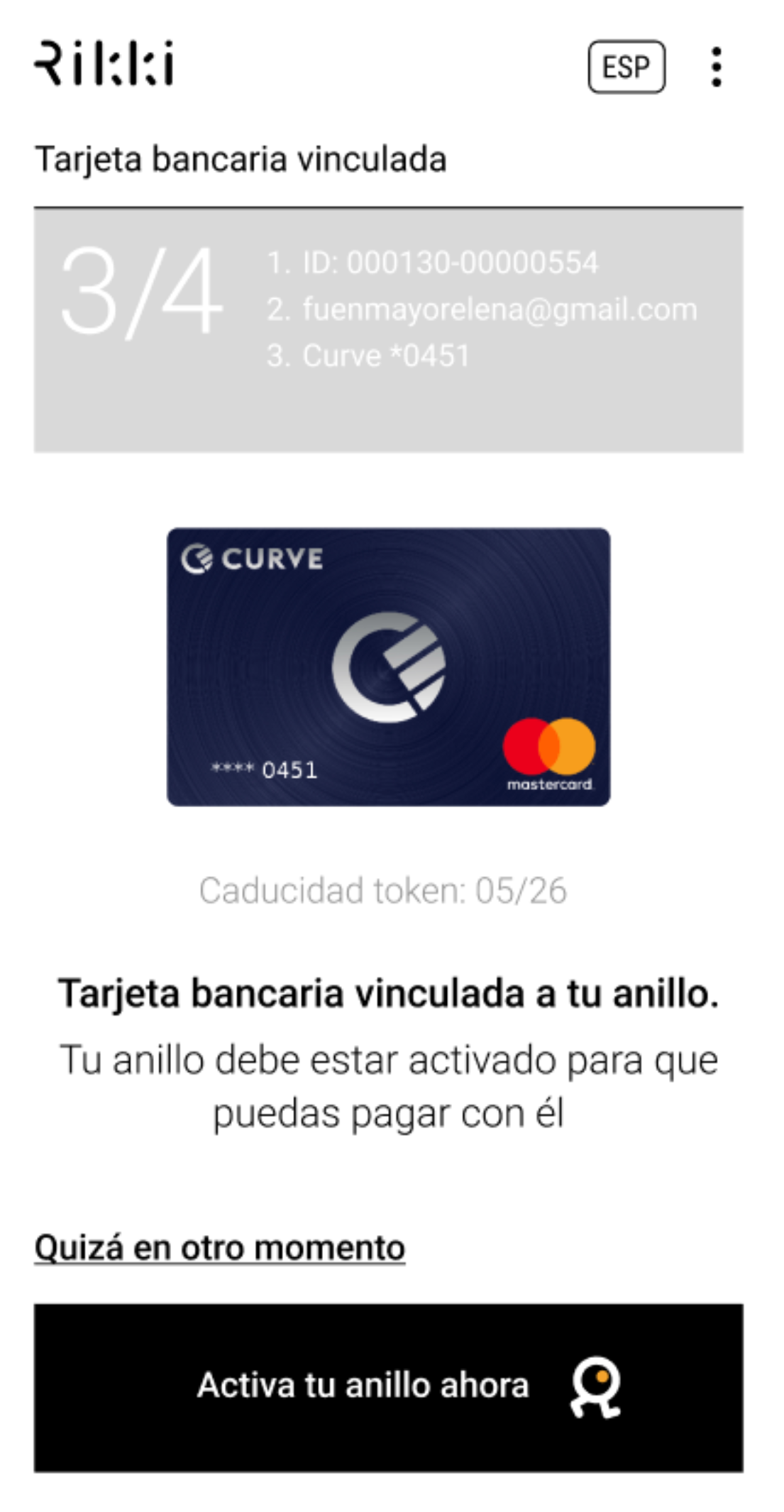
Link the Curve card to the ring and activate it
In the Rikki app, enter the Curve card details, not your bank card details, and follow the steps from the guide above (write the token and activate). Then you can pay.
Manage your ring from the app
- Add another ringYou can add someone else's ring, such as your partner's, your mother's or your child's.
- Pause paymentsStops payments with the ring while you are not using it. You can switch it back on at any time.
- Report loss or theftBlocks payments with the ring and stops anyone else from resetting it to use it without your permission. This is permanent.
- Replace the cardChanged card, or want to switch between Curve and direct linking? Add the new card details and keep using your ring.
- Ring detailsLinked card, whether it is ready to pay or needs activating, token expiry and the ring ID, which helps identify it in case of theft.
- Restore factory settingsResets the ring completely. Use it if you are giving or selling it to someone else.
- Remove the ring from the appIf you change phone, remove it from the old one first. You can add it to the new phone without writing the token again.
The phone does not read the ring
The bank SMS does not arrive
My ring model is not in the app list
I want to change my card
Does Rikki offer customer support in Spanish?
Need a hand? We offer support in Spanish and English, 24/7, by WhatsApp and email at info@rikki.io.
3Pay with one gesture
One gesture, two seconds. Where the NFC is and what to do if it does not read.
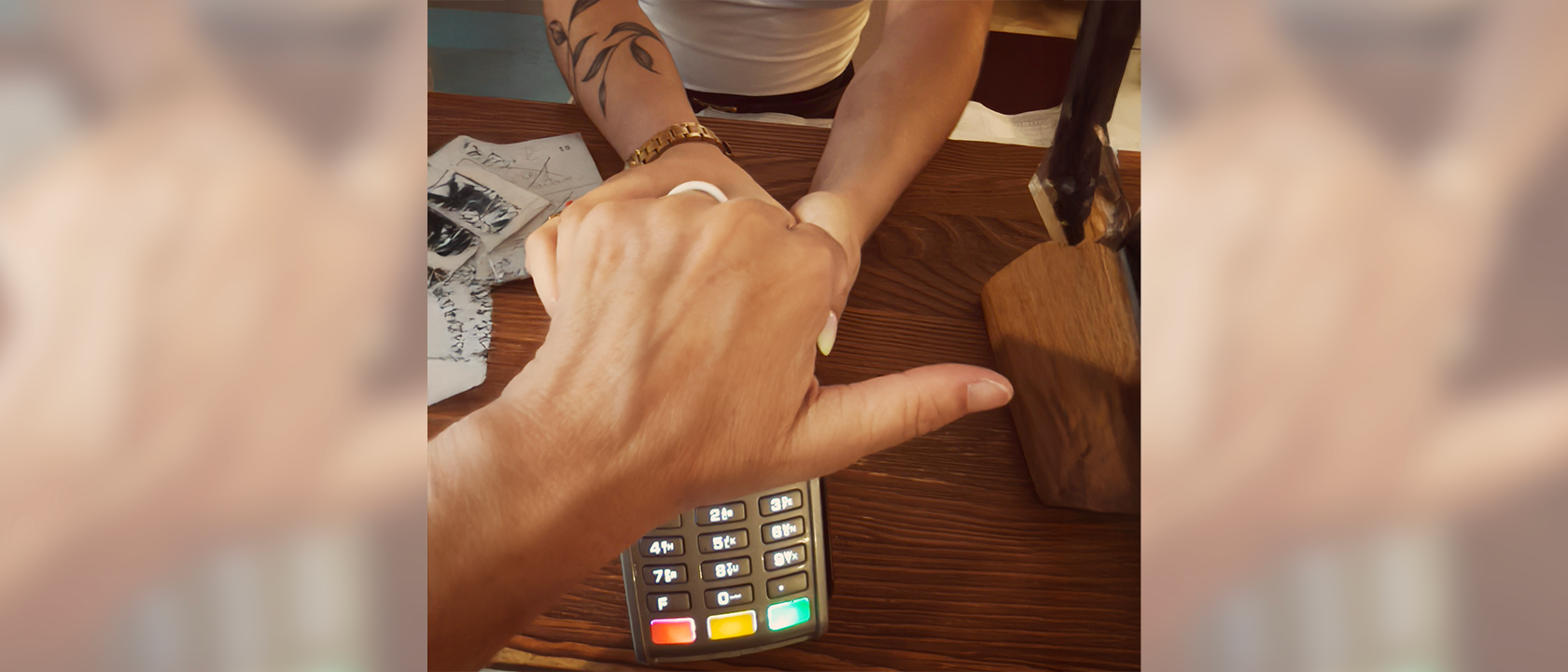
You do not need your phone or your cards, only the ring. It is always ready to pay because it has no battery. As it is designed to prevent accidental payments, follow these three steps so that payment is smooth.
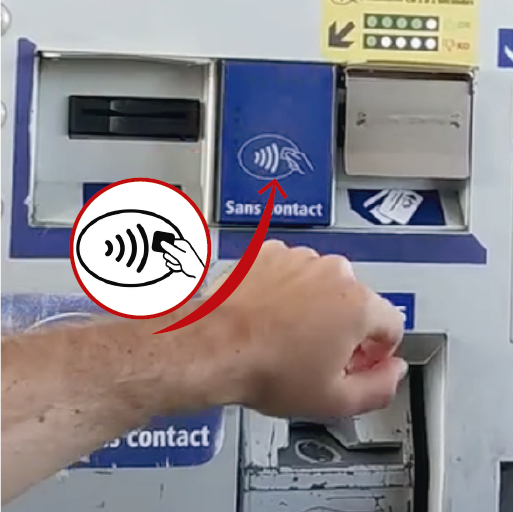
Find the terminal's NFC
It is usually marked with the contactless symbol. See where it is on different terminals.
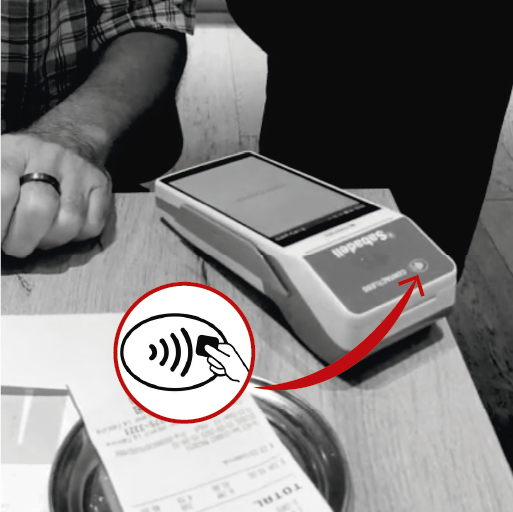
Touch it with your fist and keep still for 2 seconds
Make a fist and bring your knuckles to the NFC area, slowly, as if gently knocking on a door.
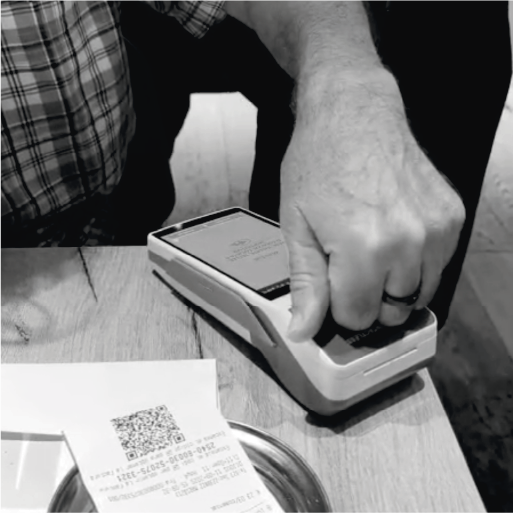
Pull your hand away and wait for the payment
Wait for the beep before pulling away. For payments of €50 or more the terminal will ask for your PIN.
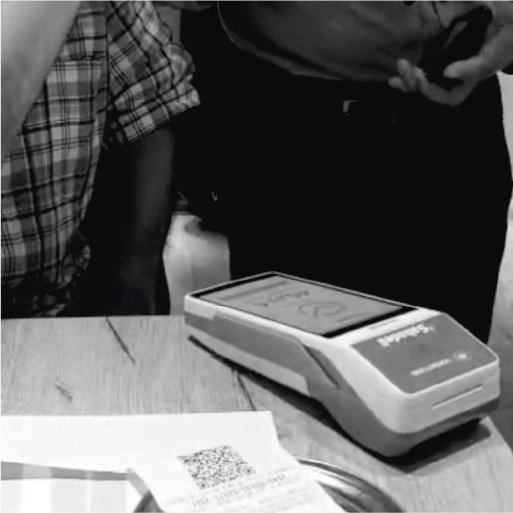
Where the NFC is on different terminals
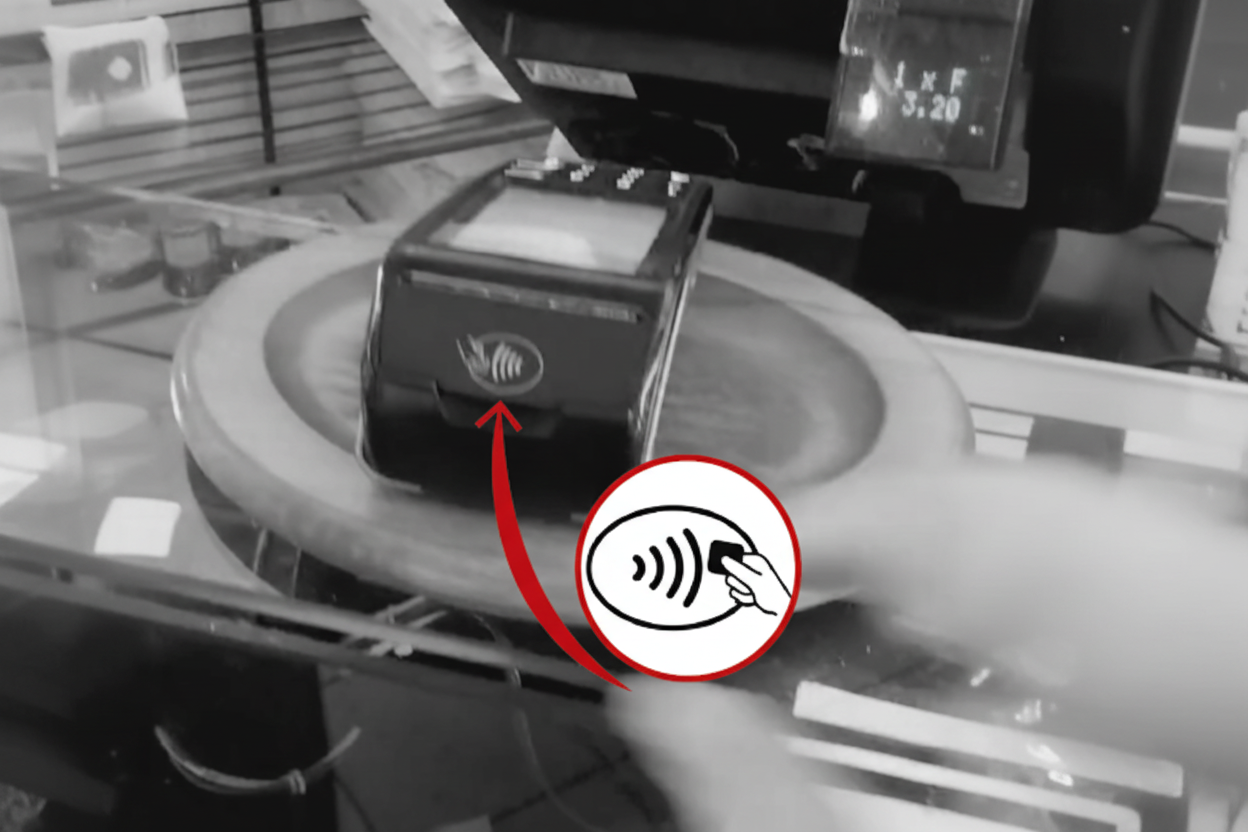
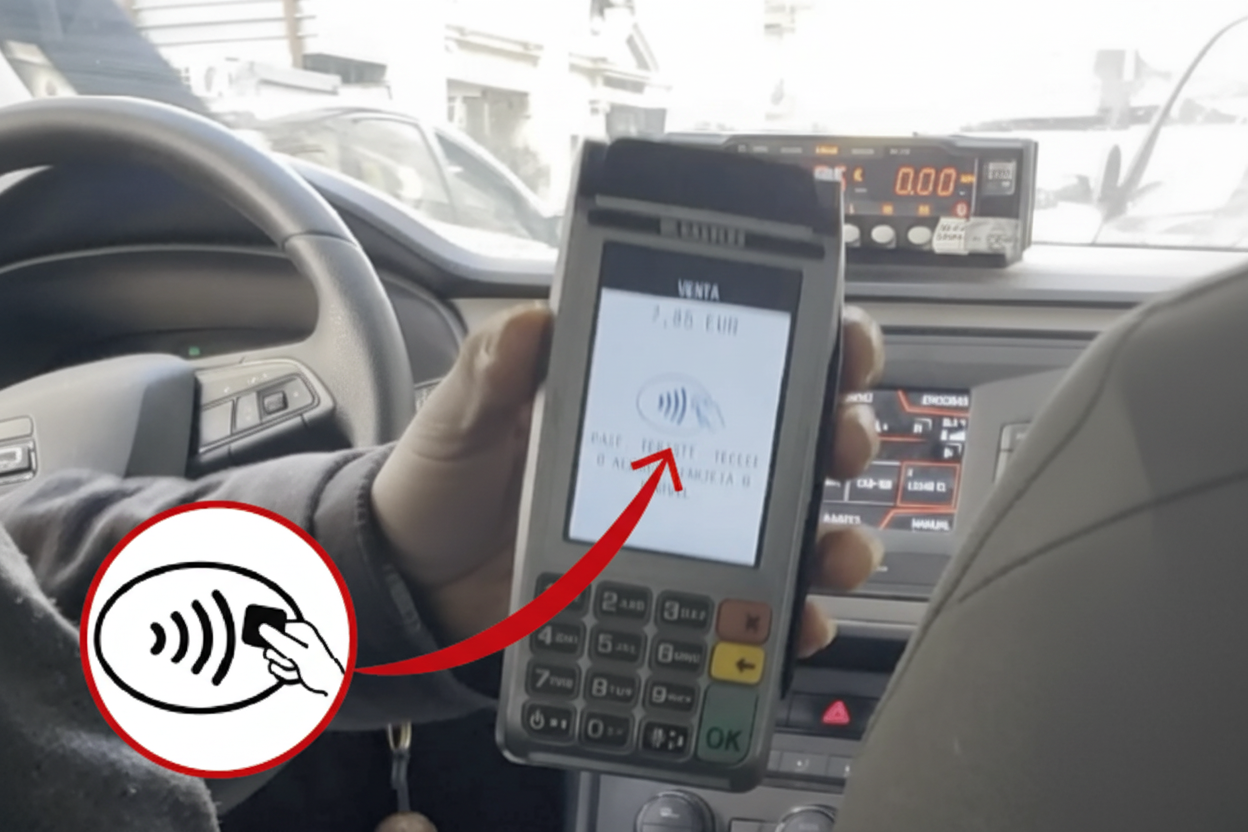
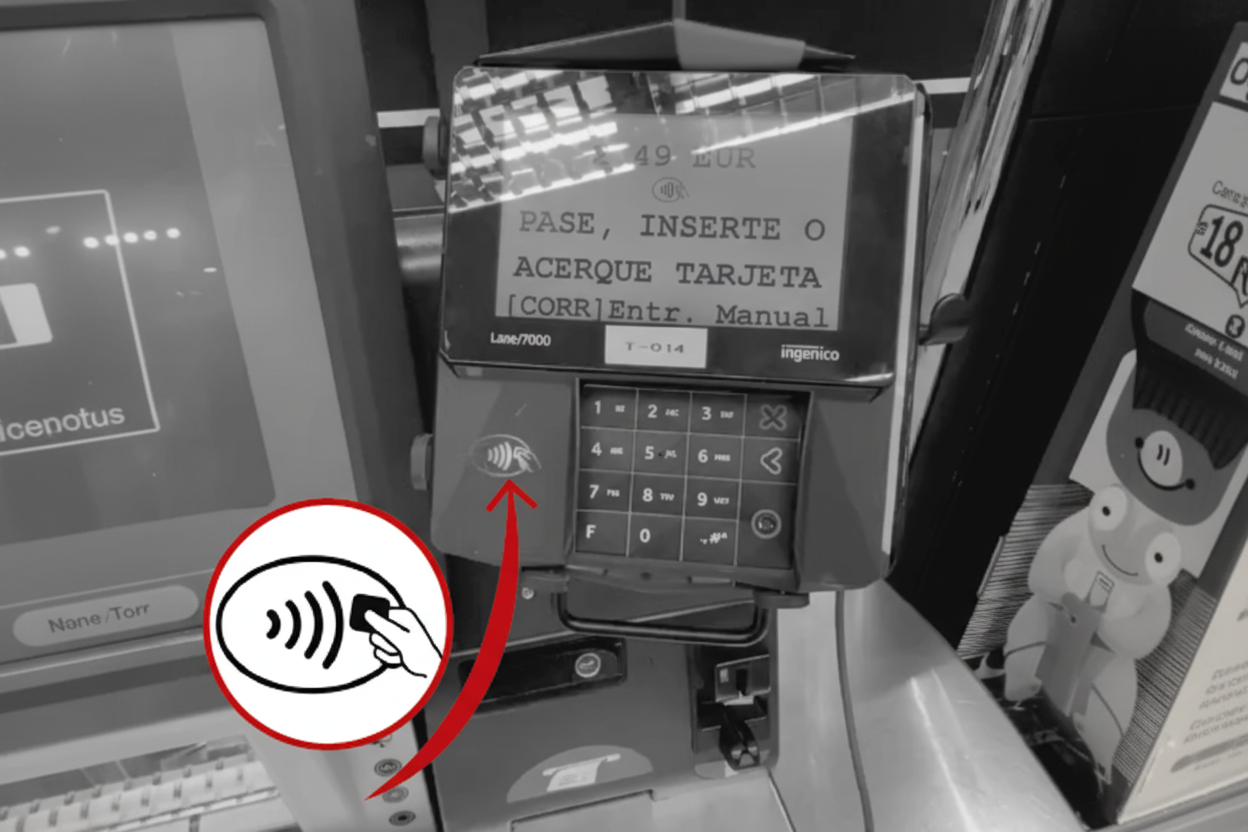
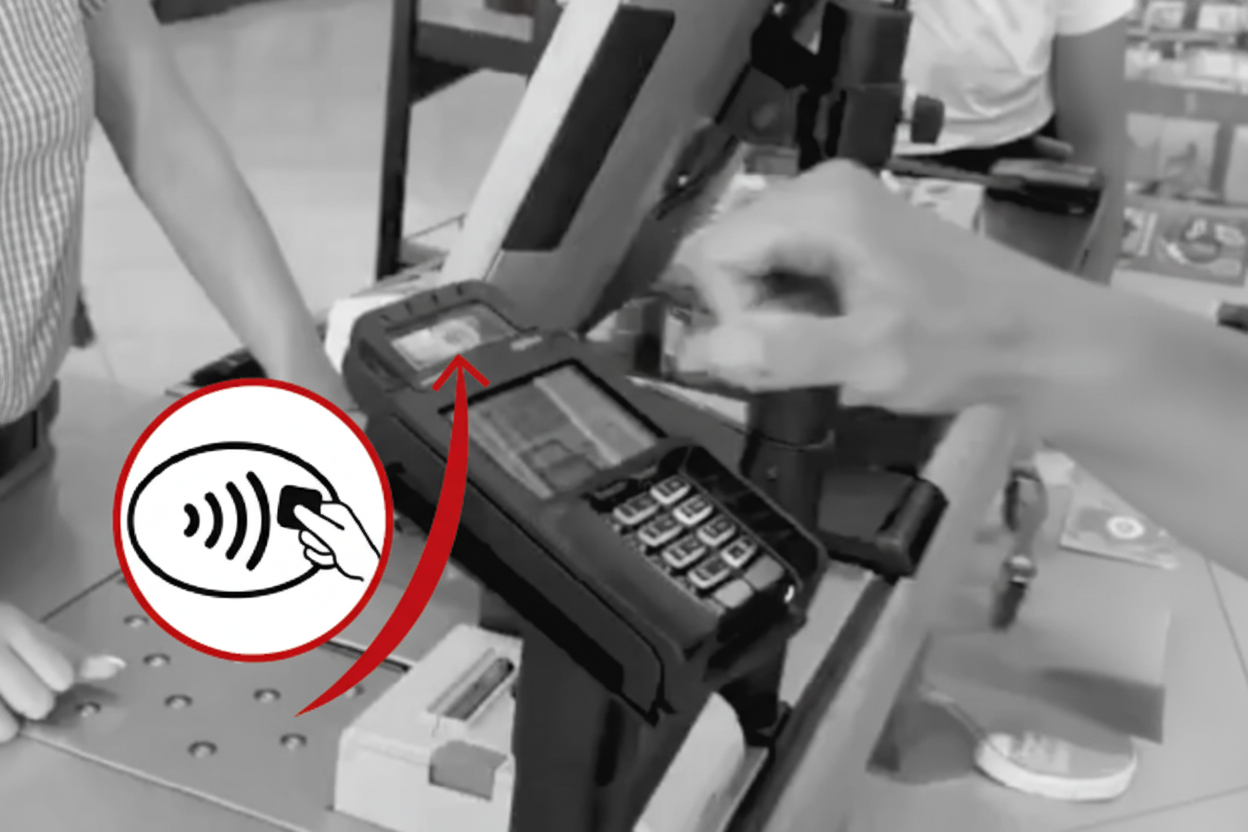
The reader does not detect the ring
Why does Rikki ask for a PIN on payments of €50 or more?
Do I need a battery or to charge the ring?
Do I need to carry my phone to pay?
Can I pay abroad?
Does it work in every contactless shop?
Can I wear it in the shower or the pool?
How do I make the payment gesture correctly?
What do customers think of Rikki?
4Security without compromise
Bank-grade chip, tokenisation and blocking from the app.
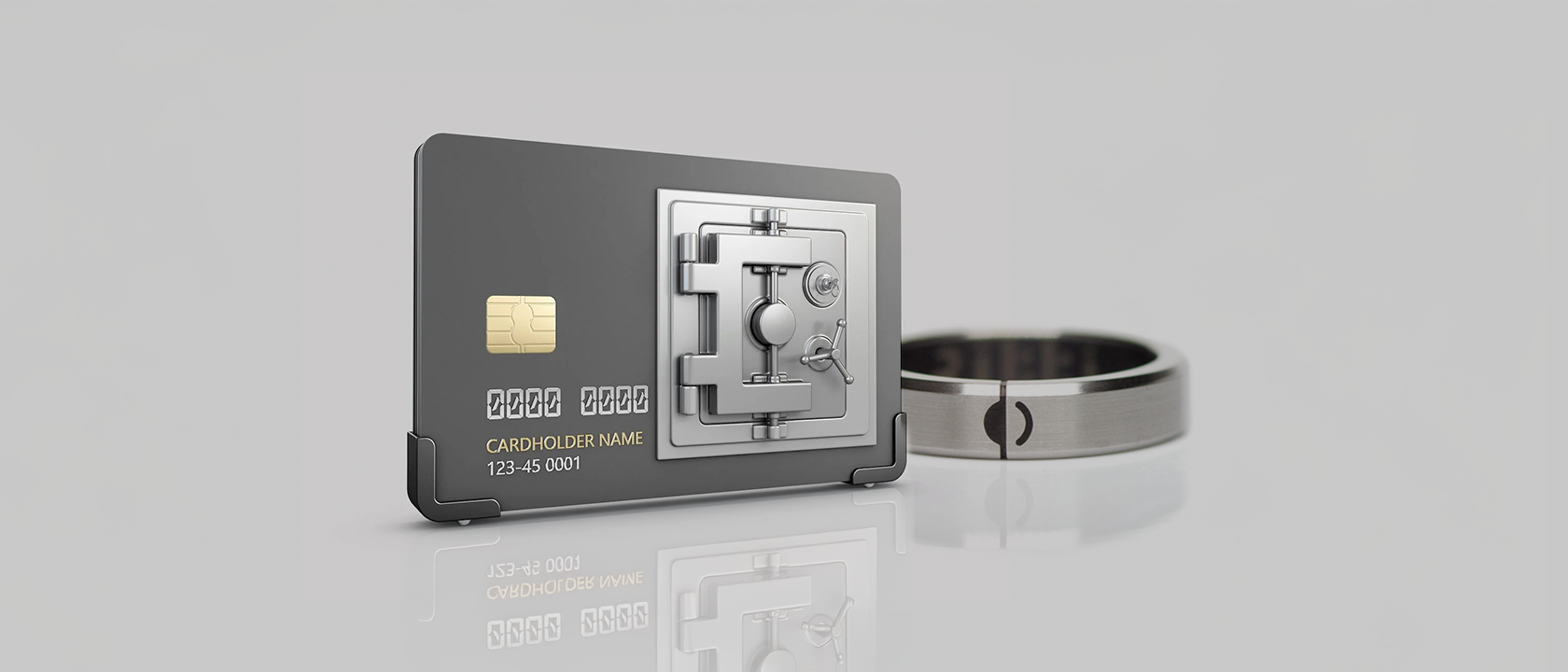
A chip certified by Visa and Mastercard, tokenised payments and a remote block from the app. Your card data is never exposed.
Is it safe to pay with Rikki?
What happens if I lose it?
Why is it safer than a card?
Why is it safer than a phone?
Can payments happen by accident?
How is Rikki different from other NFC rings?
Does Rikki have its own app?
What is Rikki's anti-theft shield?
Can I block the ring remotely?
Pay with your ring
Forget your phone and your cards. Customers rate Rikki 4.9 out of 5 on Judge.me, highlighting bank compatibility and support in Spanish.