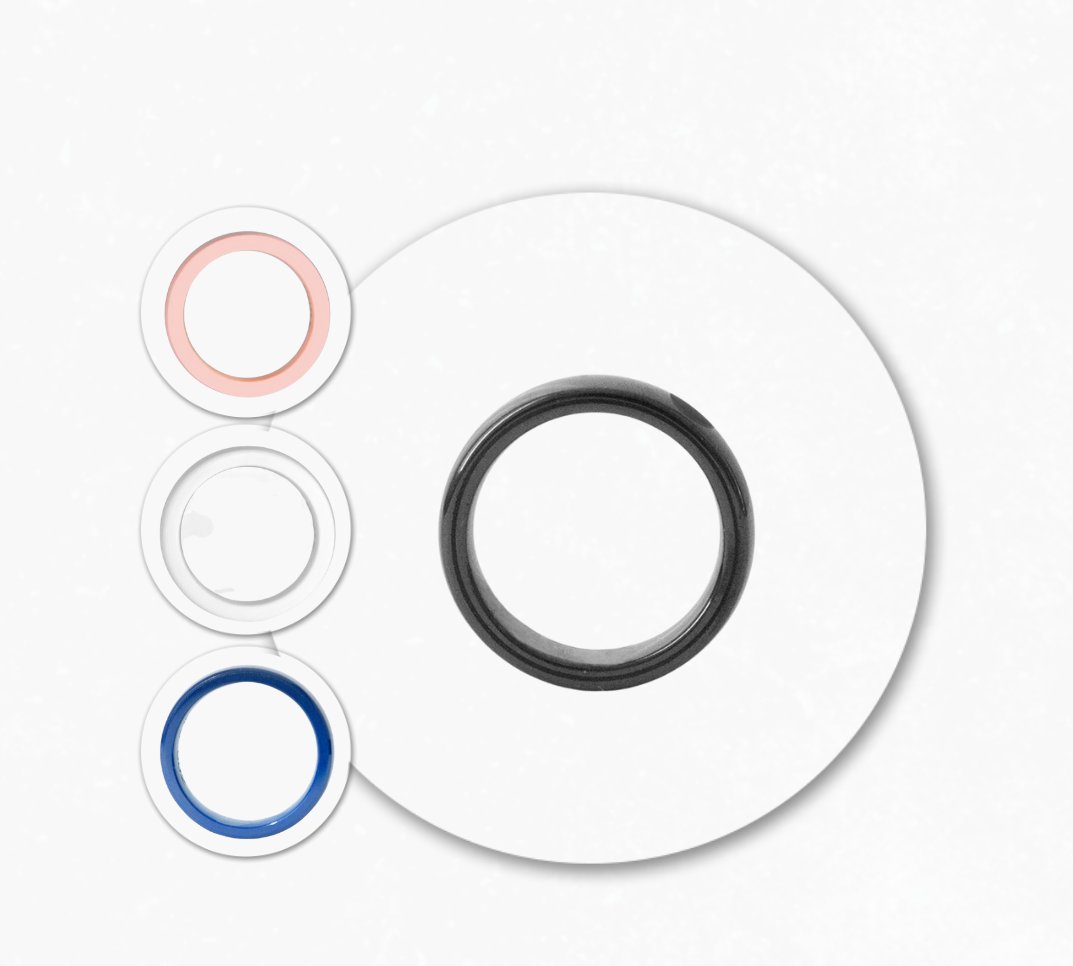

Set up your Rikki
Three steps. If anything’s unclear, tap that step for the details.
-
Are the size and model what you wanted?
Try it on before you set it up: once it’s activated, it can’t be exchanged.
There’s a ring sizer in the box so you can check your size. You can exchange it free of charge within 14 days of purchase, as long as you haven’t activated it. As it’s a payment method, for security reasons it can’t be exchanged once activated.
What’s the problem?
It arrived broken or damaged
Take a photo of the ring and message us on the chat: we’ll look into it with you.
We’ll help you sort it out by chat, in English or Spanish. Have your ring ID to hand (Rikki app › Ring details).
Or email us at info@rikki.io
It was a gift and I want to return it
You have 14 days from delivery, as long as it hasn’t been activated (December orders can be returned until 20 January). Go to Exchanges and returns, sign in with the email used for the order, select the ring and choose “Return”.
My ring doesn’t show up in Exchanges
This usually means the order was placed with a different email. At the very bottom you’ll find “Sign out and try another email”.
I’ve activated it and the size is wrong
Once it’s activated it can’t be exchanged, as it’s a payment method. Message us on the chat and we’ll look at your case.
We’ll help you sort it out by chat, in English or Spanish. Have your ring ID to hand (Rikki app › Ring details).
Or email us at info@rikki.io
We’ll help you sort it out by chat, in English or Spanish. Have your ring ID to hand (Rikki app › Ring details).
Or email us at info@rikki.io
-
Which card do you want to use with your ring?
What’s your question?
My bank isn’t listed or I’m not sure it links directly
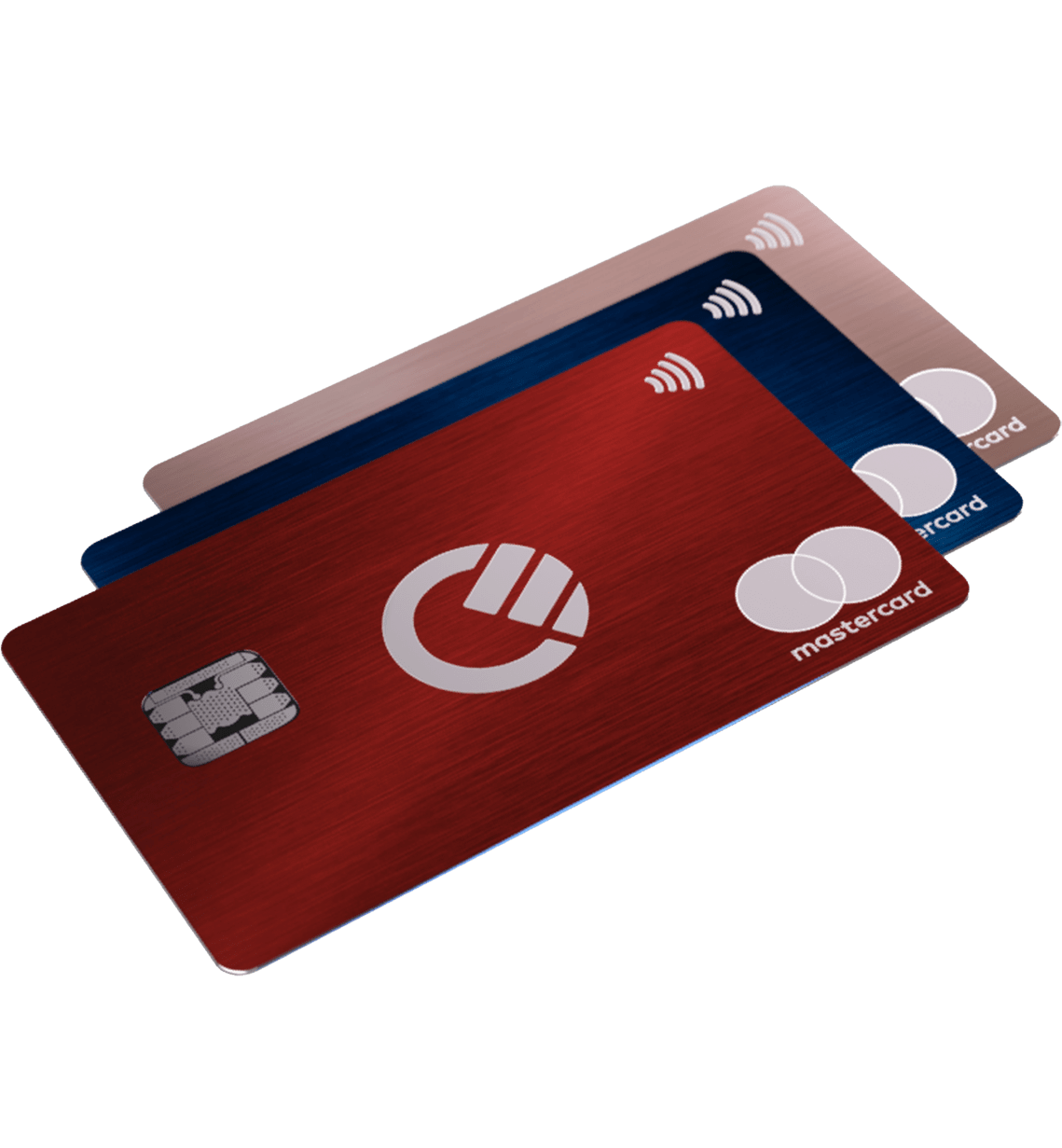
With Curve, the free bridge card, Rikki works with almost any card from Spain or elsewhere in Europe.
I want to use a crypto or PayPal card
It works with Curve. The card must be a Visa or Mastercard, debit or credit, issued in the EEA or the UK.
I want several cards on my ring
With Curve you can add up to 5 cards and switch between them. A direct link supports one card at a time.
Do I need to move money to another account?
No. With Curve, everything you pay with the ring is charged straight to your own account.
Are there any fees or subscriptions?
No. You pay for the ring once, with no extra costs or subscriptions.
I don’t live in Europe
Because of banking licences, the service is for nationals or residents of an EEA country or the UK. Once it’s set up, the ring pays anywhere in the world.
We’ll help you sort it out by chat, in English or Spanish. Have your ring ID to hand (Rikki app › Ring details).
Or email us at info@rikki.io
First, get your Curve card
-
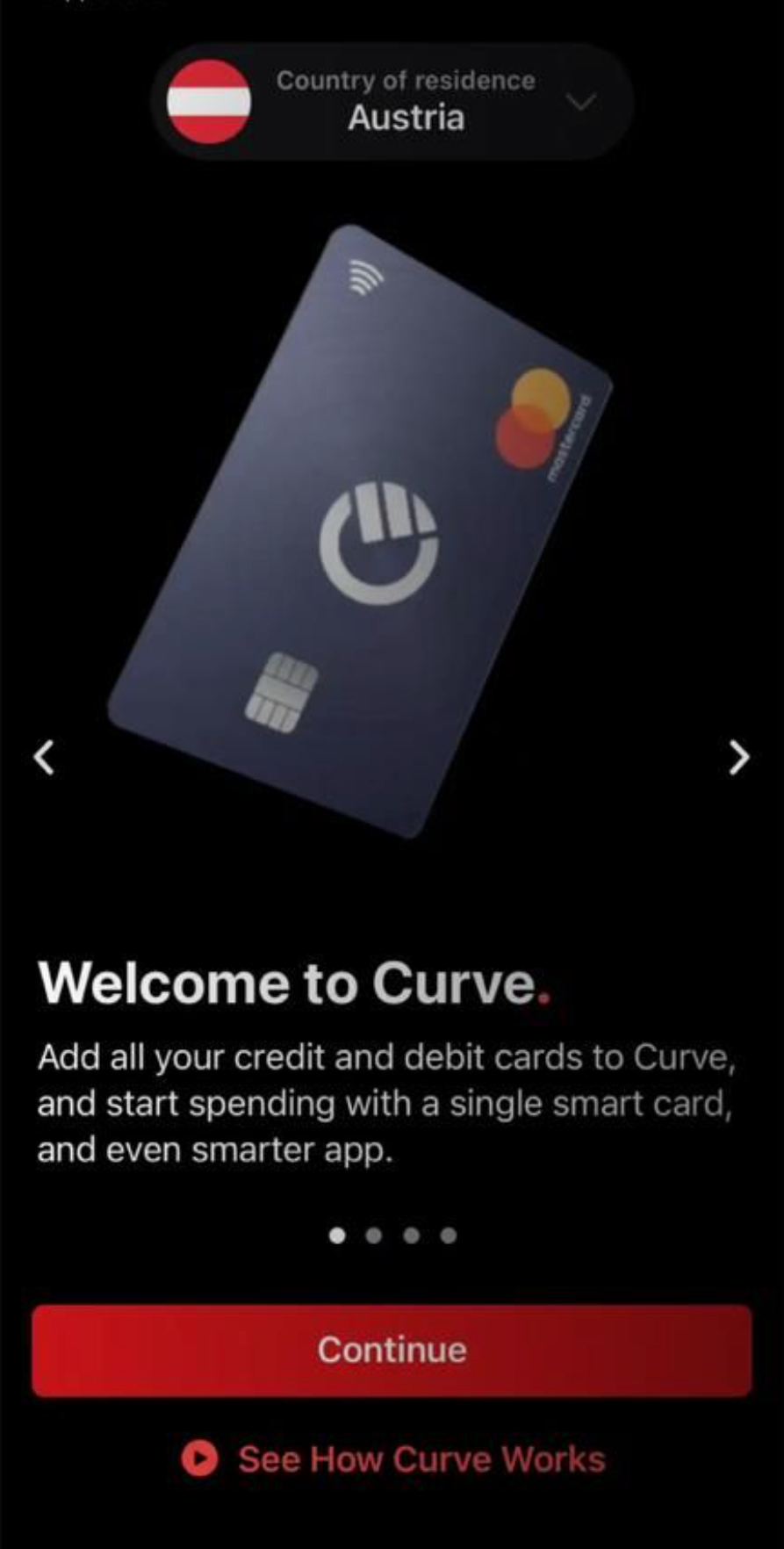
Follow the steps in the app. It will ask for your ID and a selfie.
What’s the problem?
Is it normal for it to ask for ID and a selfie?
Yes. Curve is a regulated payment company and has to verify your identity. See the tips in step 2 to get approved first time.
Curve won’t approve my account
- Make sure you’re using your own phone and that your details match your ID exactly.
- If it’s still pending, ask Curve for help: in the app go to Launchpad › Support › Chat › My account › My account verification.
- Curve handles verification: Rikki can’t speed it up.
We’ll help you sort it out by chat, in English or Spanish. Have your ring ID to hand (Rikki app › Ring details).
Or email us at info@rikki.io
-
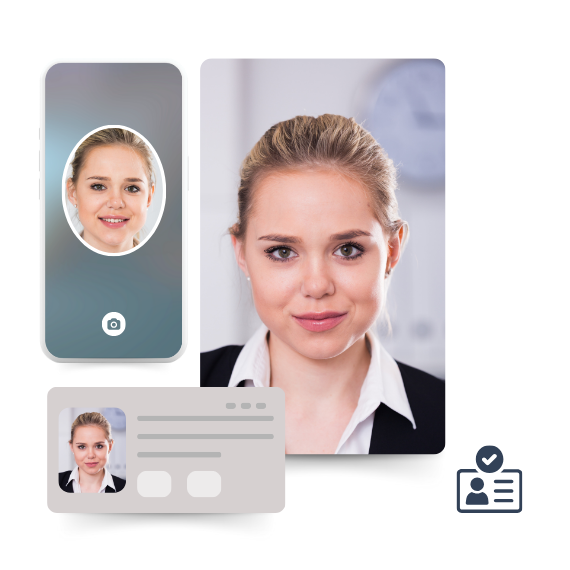
Use your own phone and enter your details exactly as they appear on your ID. For the ID photo and selfie: good light, in focus, facing the camera, against a white background.
Curve won’t approve my account
- Make sure you’re using your own phone and that your details match your ID exactly.
- If it’s still pending, ask Curve for help: in the app go to Launchpad › Support › Chat › My account › My account verification.
- Curve handles verification: Rikki can’t speed it up.
We’ll help you sort it out by chat, in English or Spanish. Have your ring ID to hand (Rikki app › Ring details).
Or email us at info@rikki.io
-
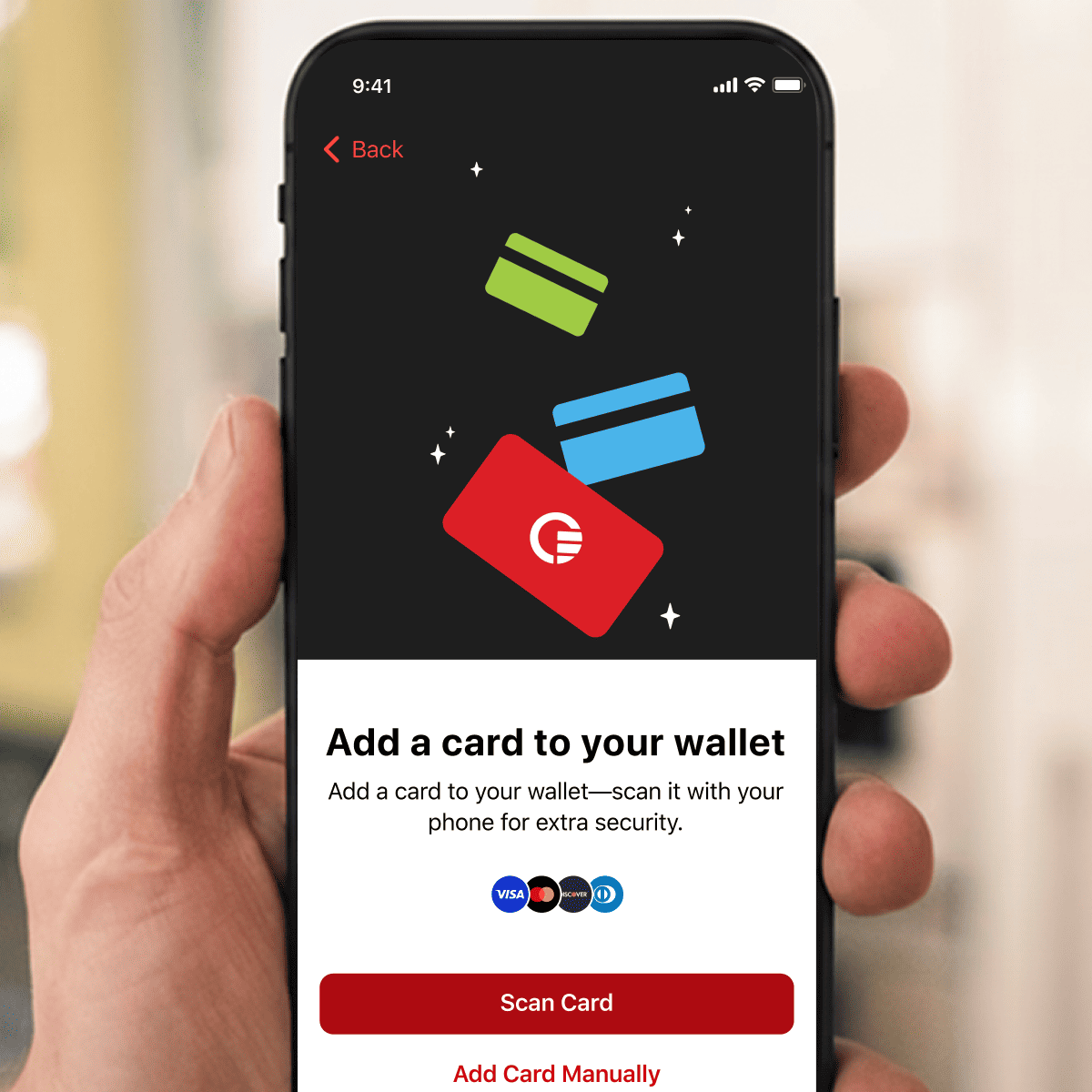
The first one has to be from an EU bank. On the free plan you can add up to 5.
Curve won’t accept my card
The first card you add to Curve has to be from an EU bank. After that you can add others.
We’ll help you sort it out by chat, in English or Spanish. Have your ring ID to hand (Rikki app › Ring details).
Or email us at info@rikki.io
-
It’s all you need for the ring. Paid plans just add extras.
Do I need a paid plan?
No. The free plan is all you need for the ring.
We’ll help you sort it out by chat, in English or Spanish. Have your ring ID to hand (Rikki app › Ring details).
Or email us at info@rikki.io
-
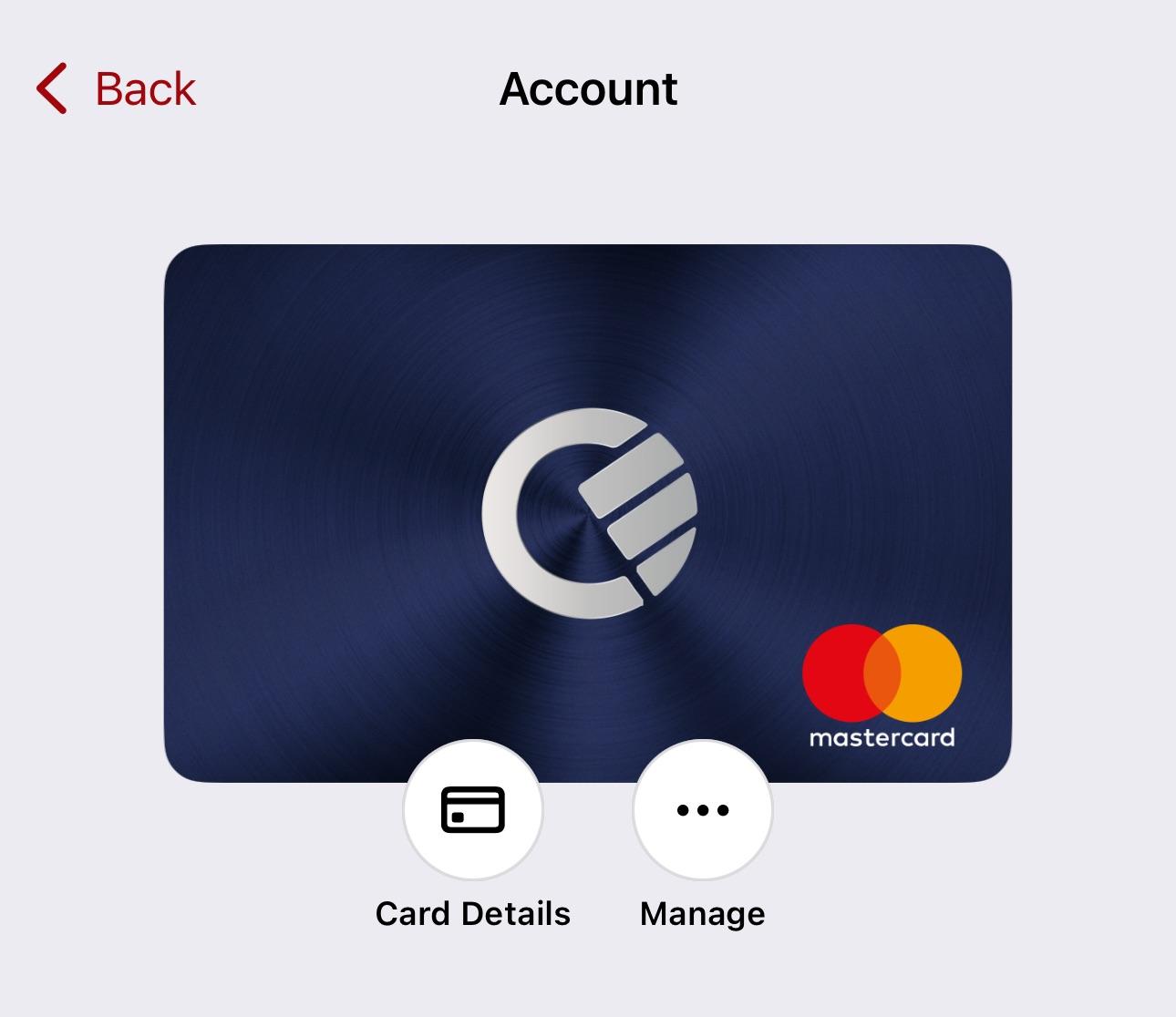
You’ll find them under “Launchpad › Account › Card details”. Your Curve PIN isn’t your bank PIN: it’s the one you’ll enter if the card reader asks for a PIN when you pay with the ring.
Keep these to hand: you’ll enter them in the Rikki app in step 4 below.
What’s the problem?
I can’t find my Curve card details
In the Curve app: Launchpad › Account › Card details. That’s where you’ll find the number, expiry date and CVV.
I can’t find my Curve PIN
On the same screen (Launchpad › Account › Card details), tap “View PIN”.
We’ll help you sort it out by chat, in English or Spanish. Have your ring ID to hand (Rikki app › Ring details).
Or email us at info@rikki.io
Then link Curve in the Rikki app
-
Open the app, tap + and follow the steps.
What’s the problem?
The app can’t find the ring
- Keep the Rikki app open on the add (+) screen. Your phone can’t read the ring on its own.
- On Android, turn on NFC in your phone’s settings.
- Take off the case, lay the ring flat on a table and hold your phone on top of it, without moving, for about 3 seconds.
I also have the Fidesmo Pay app
You don’t need it. Use only the Rikki app: with both installed it’s easy to get mixed up.
We’ll help you sort it out by chat, in English or Spanish. Have your ring ID to hand (Rikki app › Ring details).
Or email us at info@rikki.io
-
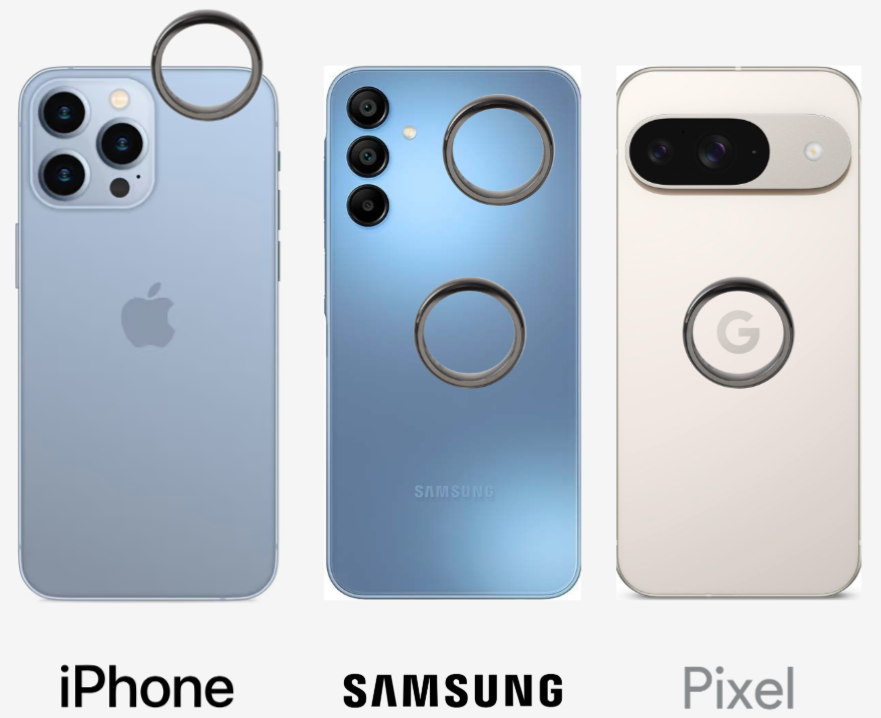
Where the NFC area is depends on your phone model.
What’s the problem?
My phone won’t read the ring
- Make sure the Rikki app is open on the add (+) screen. Without the app, your phone won’t read anything.
- On Android, turn on NFC in your phone’s settings.
- Take off the case.
- Lay the ring flat on a table and place your phone’s NFC area on top: on iPhone, at the top near the cameras; on Android, in the middle or upper half. Hold still for 3 seconds.
It only reads it sometimes
- Try again with the ring flat on the table, the phone on top, no case and no movement for 3 seconds.
- If you have another phone, or another Rikki ring at home, try that: it tells us whether it’s the phone or the ring.
My ring model isn’t in the app
That’s fine. It’s for information only: the ring pays the same whichever model you pick.
The app gets stuck “working”
Message us on the chat with your ring ID (Rikki app › Ring details) and we’ll check it remotely.
We’ll help you sort it out by chat, in English or Spanish. Have your ring ID to hand (Rikki app › Ring details).
Or email us at info@rikki.io
We’ll help you sort it out by chat, in English or Spanish. Have your ring ID to hand (Rikki app › Ring details).
Or email us at info@rikki.io
-
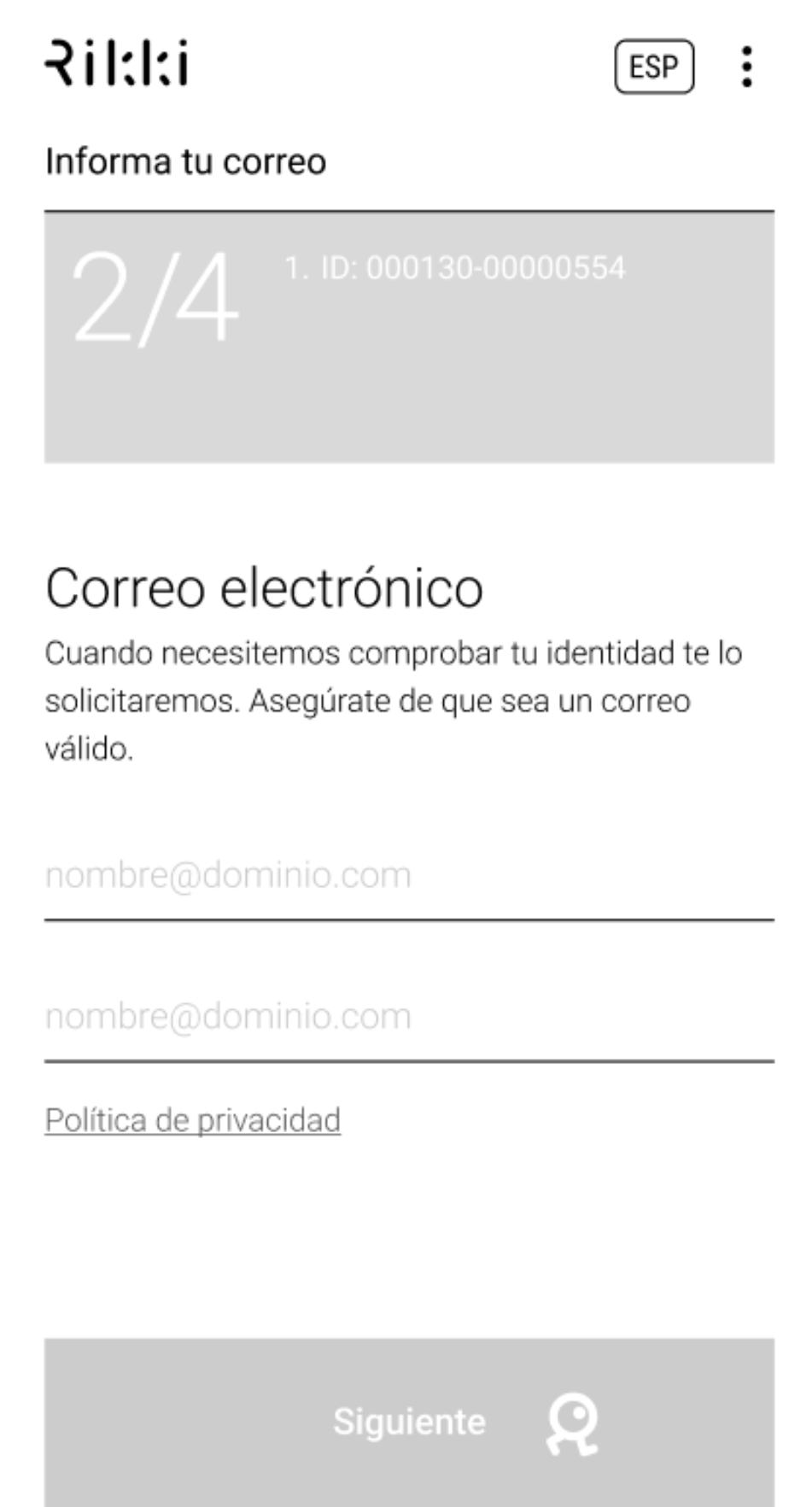
This email will identify you as the user.
The app goes back to the start or says “blocked by owner”
- Your ring has already been activated with another email. Did someone else set it up, for example if it was a gift?
- Did you use Apple’s “Hide My Email” or a forwarding alias? Try that email.
- With the right email, choose Import in the app.
We’ll help you sort it out by chat, in English or Spanish. Have your ring ID to hand (Rikki app › Ring details).
Or email us at info@rikki.io
-
Which card goes here?
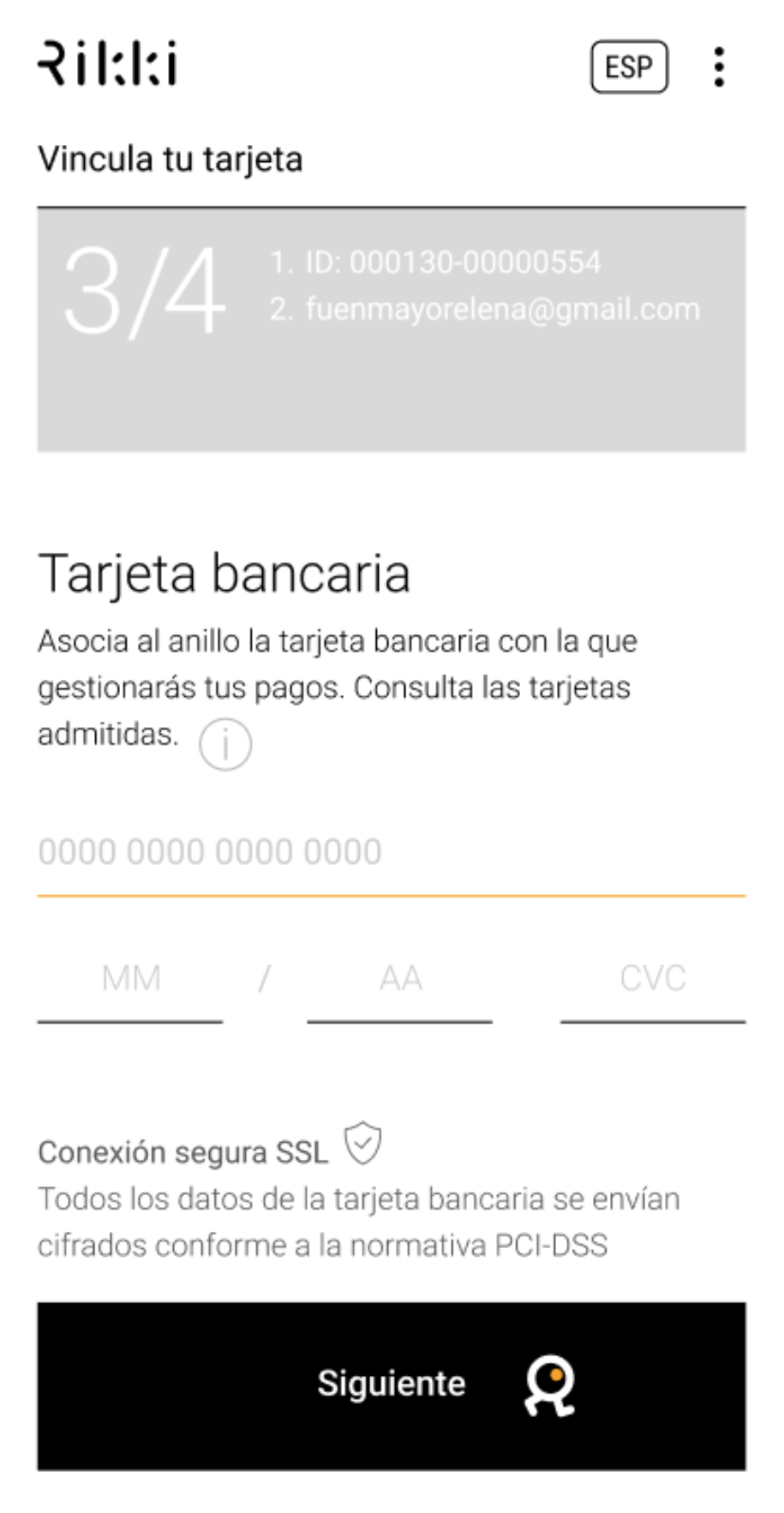
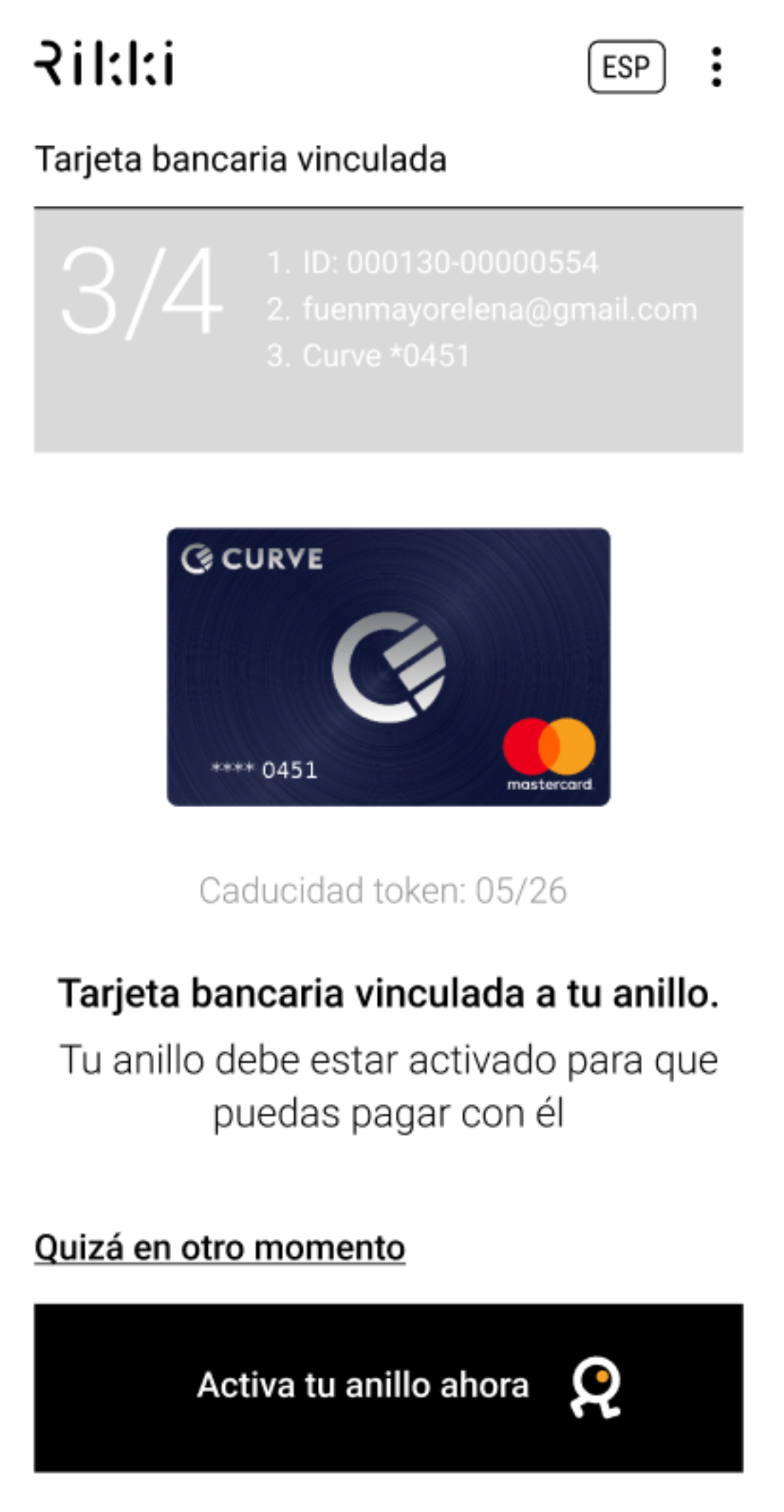
CurveYes: your Curve cardYour bankNo: your your bank cardEnter your Curve card number, expiry date and CVV. You’ll find them in the Curve app under Launchpad › Account › Card details.
Curve already charges your your bank card, so only the Curve card goes here. If you enter your bank card, the ring won’t work.
Which card goes here?
Your bankYour your bank cardRikki never sees your card details or stores them on its servers: they go straight to Visa or Mastercard through a secure gateway, which returns a token that identifies your card and your ring.
What’s the problem?
Do I enter my bank card or my Curve card?
If you’re using Curve, your Curve card (Launchpad › Account › Card details), not your bank card. If your bank links directly, your own card.
The app won’t accept my card
That card can’t be linked directly. You can use it with Curve, the free bridge card.
It says “No service available” or “eligible card not operational”
- Your card is compatible, but your bank’s service isn’t responding right now. It’s not a problem with the ring.
- Try again later, or link it now through Curve.
My card links directly, but it fails
- Use the bank checker above to confirm your card links directly.
- If it does and it still fails, the card may be blocked or restricted. Talk to your bank, or message us on the chat.
We’ll help you sort it out by chat, in English or Spanish. Have your ring ID to hand (Rikki app › Ring details).
Or email us at info@rikki.io
-
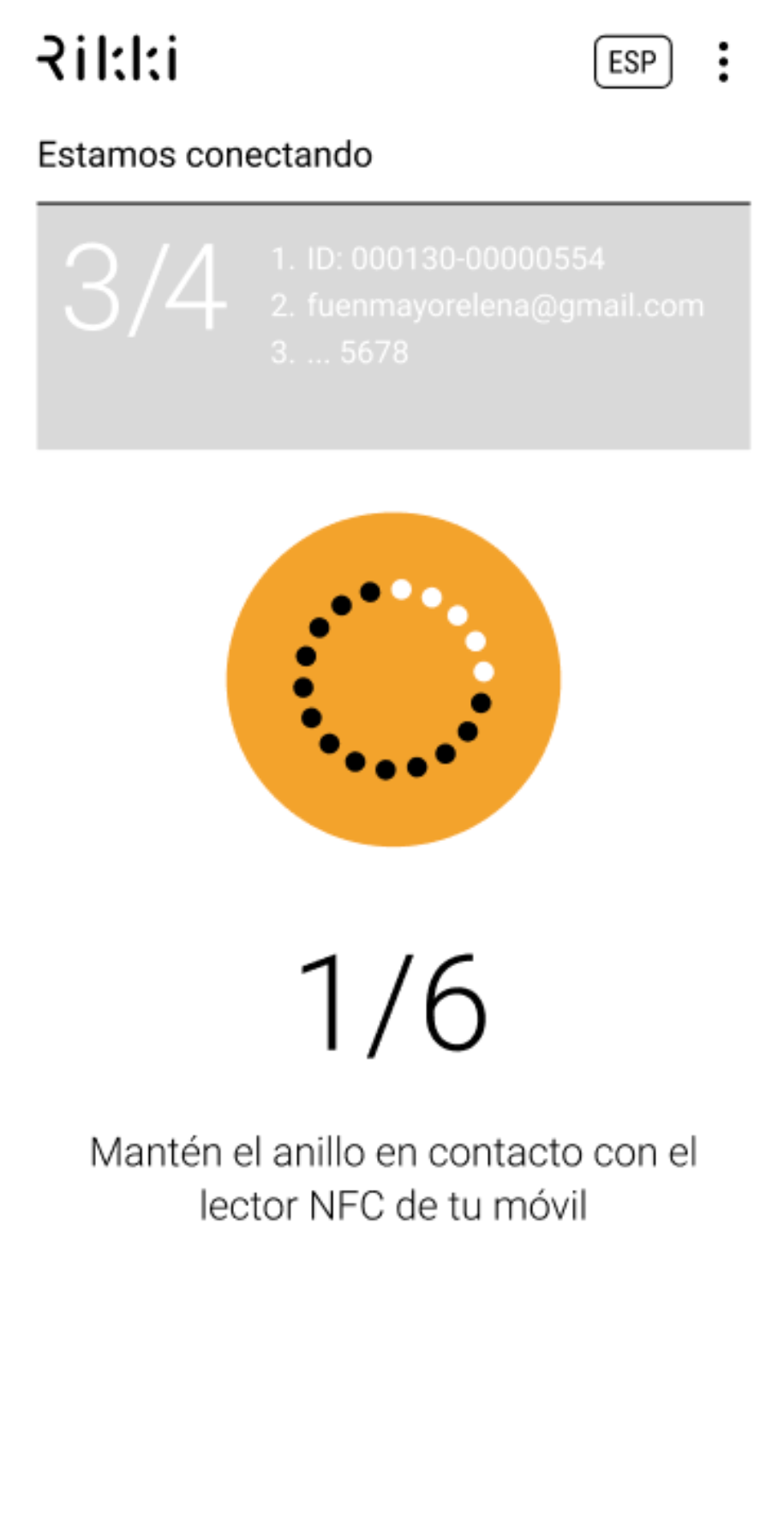
Put the ring on the table and your phone on top, with the NFC area touching it. Don’t move it until the whole writing process has finished.
What’s the problem?
I just held my phone near the ring
That doesn’t write anything. Writing is done from the Rikki app: tap write and hold the ring against your phone, without moving, until the app confirms.
I’m not sure it’s been written
If the app hasn’t shown a confirmation, it hasn’t been written. Try again from the app, with the ring against your phone and without moving it.
It errors or cuts out while writing
- No case, ring flat on the table and phone on top.
- Don’t move anything until the app confirms.
I’ve tried lots of times
Stop here: too many attempts, or trying on several phones or with several emails, locks the system. Message us on the chat with your ring ID and we’ll take a look.
We’ll help you sort it out by chat, in English or Spanish. Have your ring ID to hand (Rikki app › Ring details).
Or email us at info@rikki.io
We’ll help you sort it out by chat, in English or Spanish. Have your ring ID to hand (Rikki app › Ring details).
Or email us at info@rikki.io
-
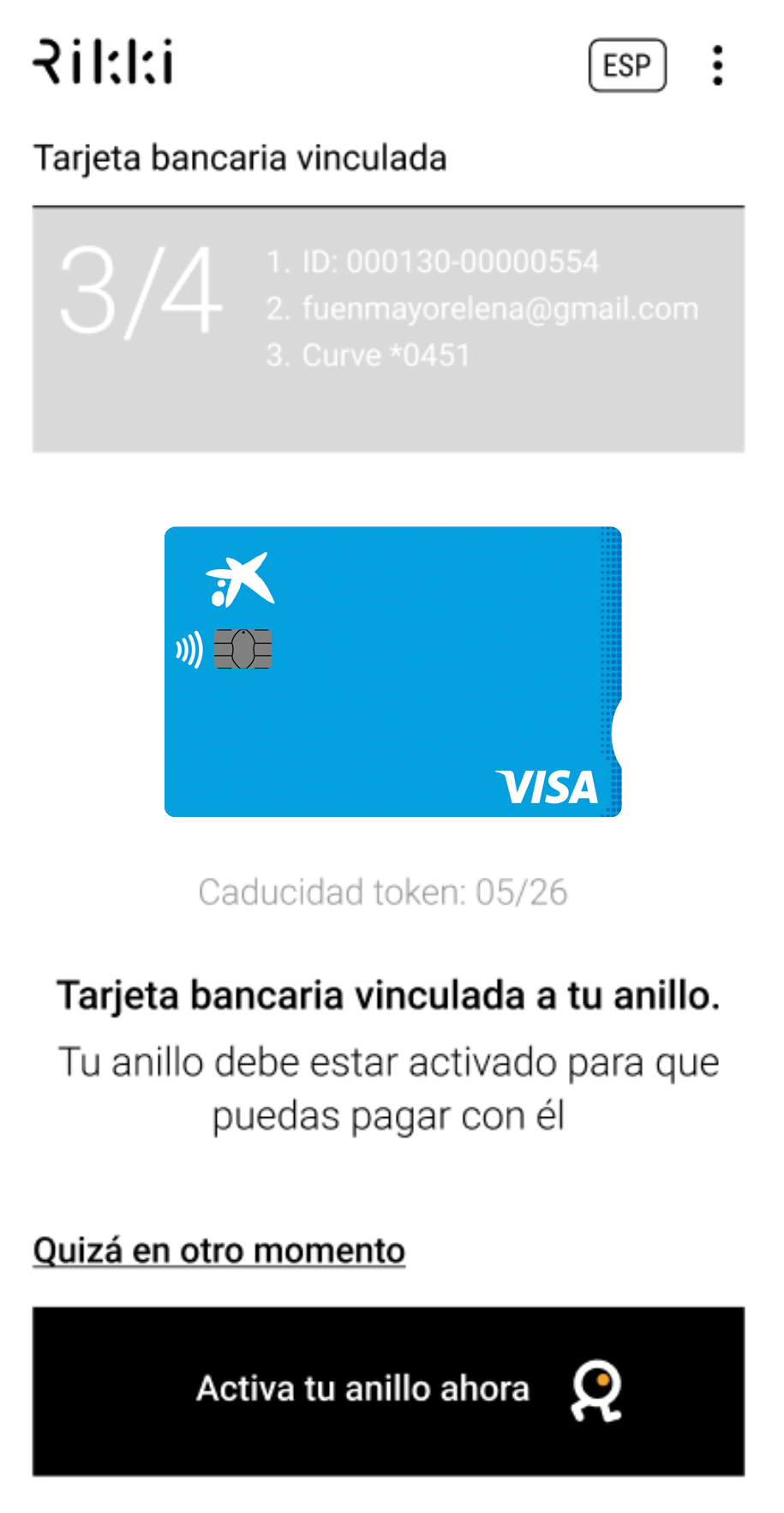
The token encrypts your card details so nobody can see them. If the ring is lost, stolen or at risk of fraud, you can block it yourself from the app. Only the token is blocked; your card stays active.
-
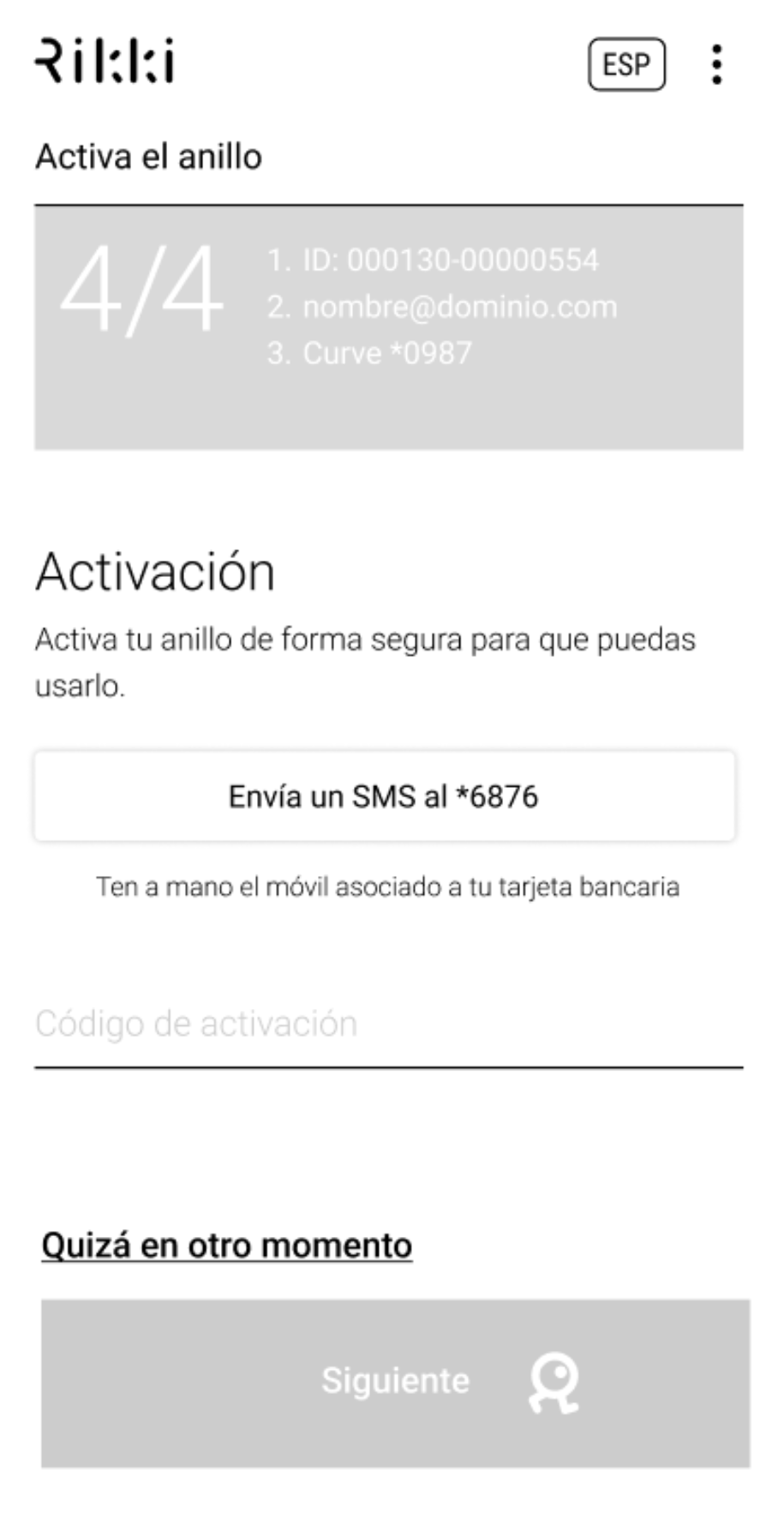
Your bank will send a verification text to the phone number registered on your account.
What’s the problem?
I haven’t received the text
- Wait 2 or 3 minutes before requesting it again.
- Request it only once, from one phone.
- Confirm the link from your banking app, or try again in a couple of hours in case the network is busy.
I’m with Revolut and can’t see it
Revolut’s text no longer shows up as a notification: look for it in your phone’s Messages app.
My Revolut number is on an eSIM
- Revolut texts don’t arrive on an eSIM. In the Revolut app, change your phone number to one with a physical SIM.
- In the Rikki app, tap the ring › Replace card.
- Link the card again: this time the text will come through.
I get an error activating with Curve
- In the Curve app, check that your Curve card is active (not switched off or suspended).
- If it is, in the Rikki app tap the ring › Replace card and write it again.
We’ll help you sort it out by chat, in English or Spanish. Have your ring ID to hand (Rikki app › Ring details).
Or email us at info@rikki.io
-
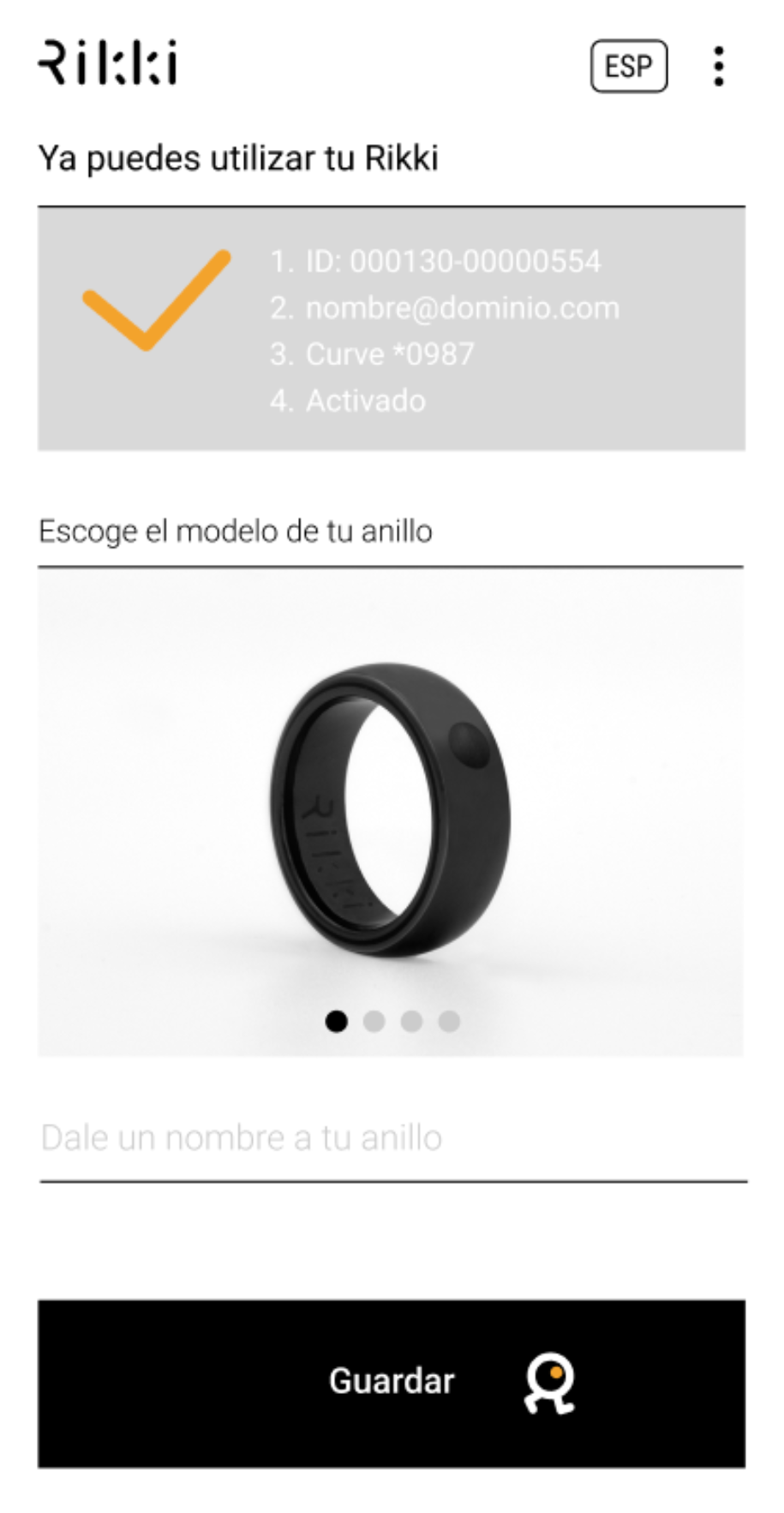
You can now pay with your ring.
How do I know it’s ready?
In the Rikki app, the ring’s switch is green and “Ring details” shows it as ready to pay.
We’ll help you sort it out by chat, in English or Spanish. Have your ring ID to hand (Rikki app › Ring details).
Or email us at info@rikki.io
-
-
-
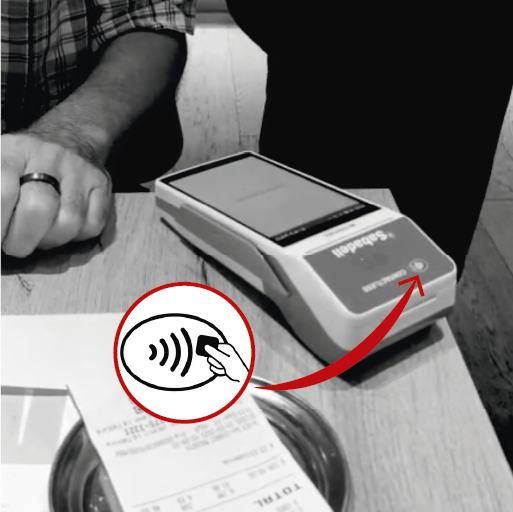
It’s usually marked with the contactless symbol. Every card reader has it in a different place:
Banc Sabadell 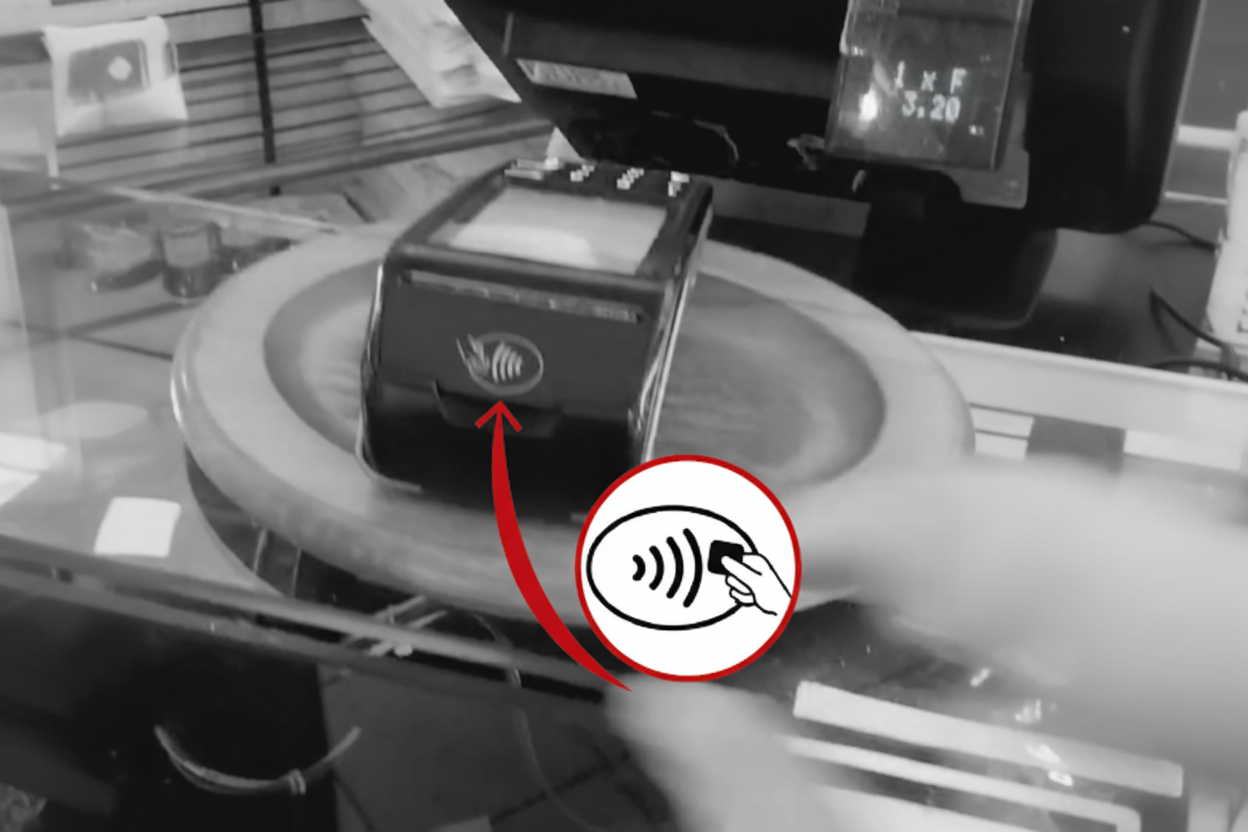
CaixaBank 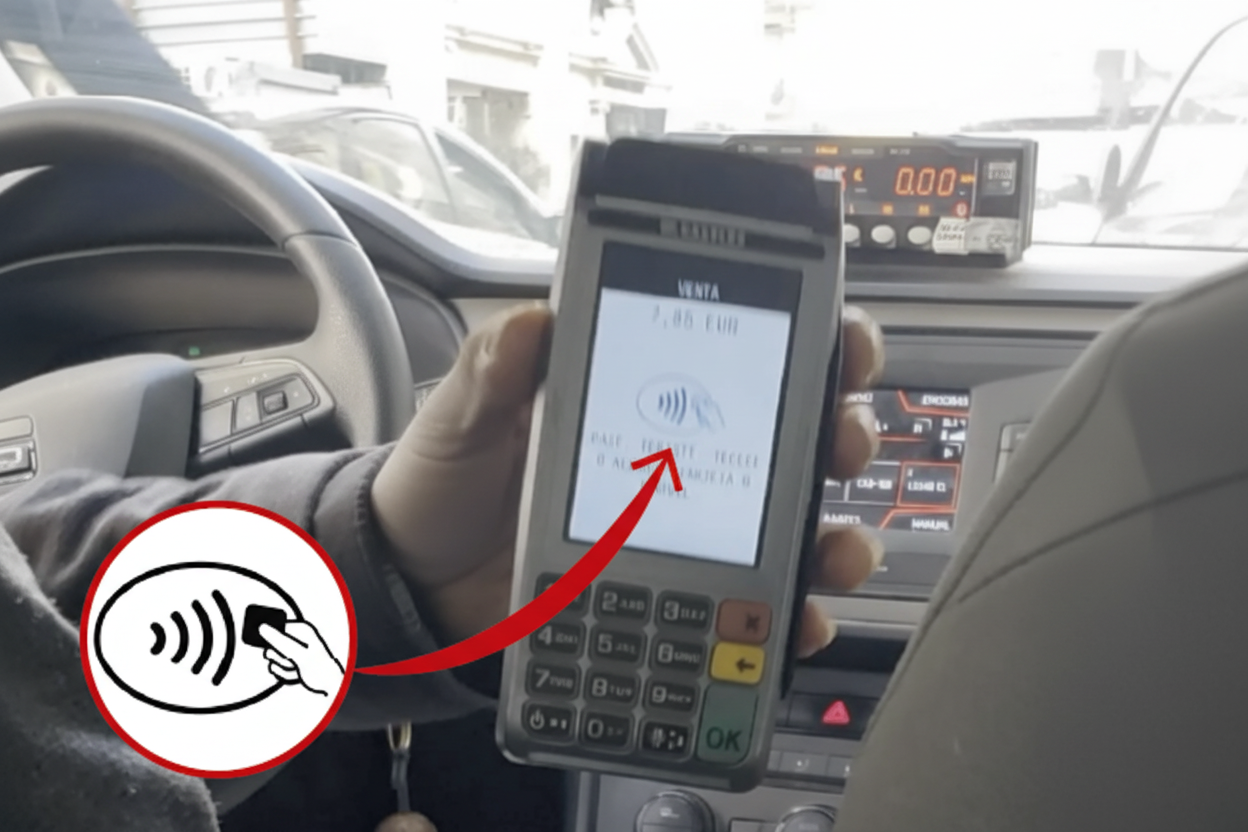
BBVA 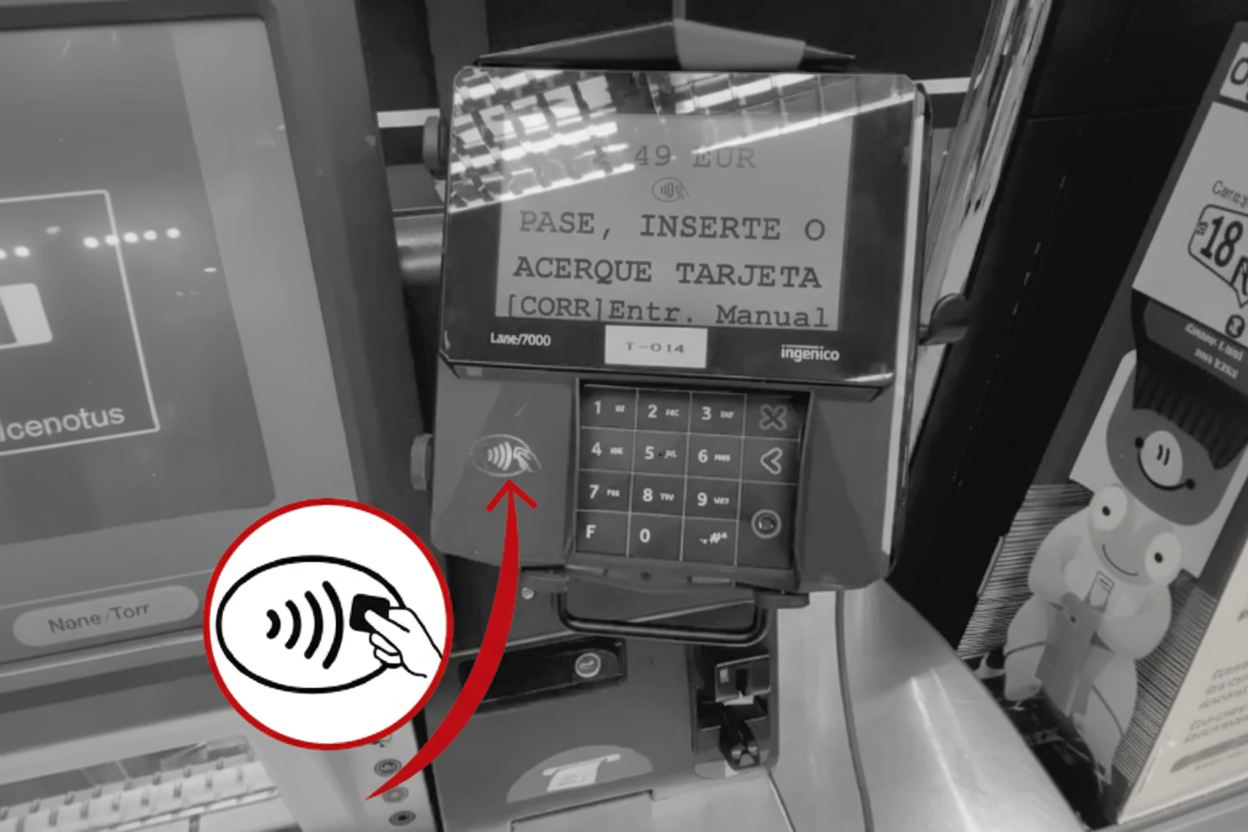
El Corte Inglés 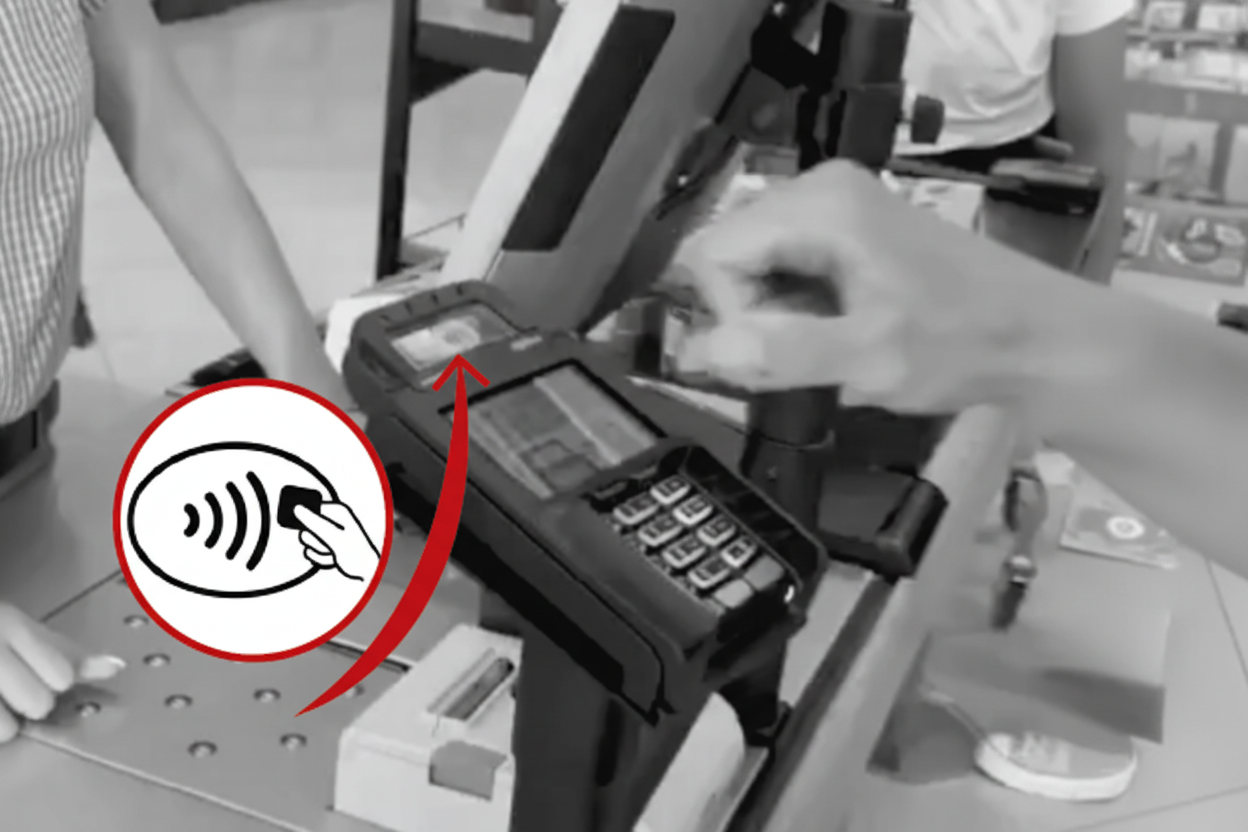
Mercadona 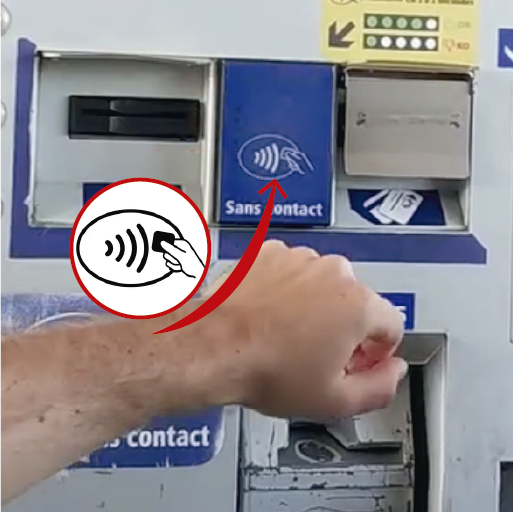
Motorway toll -
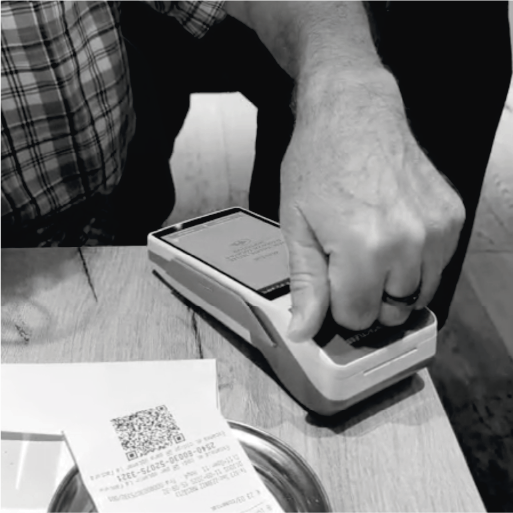
Make a fist and bring your knuckles to the contactless area, slowly, as if you were knocking gently on a door.
-
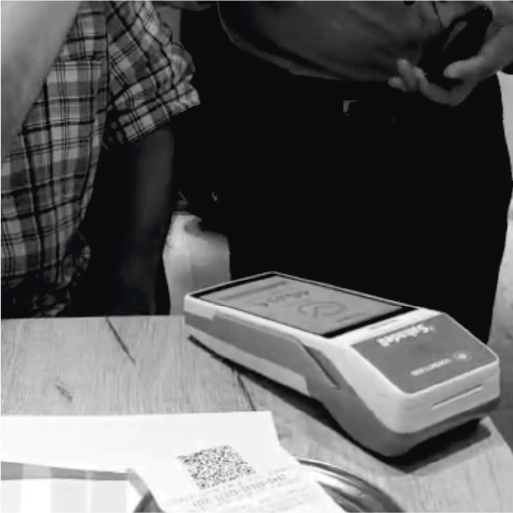
Wait for the beep before you take your hand away.
Your PIN. For payments of €50 or more, the card reader asks for your PIN, just like with any card. It’s the PIN of the card you linked. With Curve, it’s your Curve PIN, not your bank’s: you’ll find it in the Curve app under Launchpad › Account › Card details › View PIN.
-
You’re ready to pay with your ring
You control your ring from the Rikki app:
- Pause payments Stop the ring from making payments when you’re not using it. Switch it back on whenever you like.
- Report it lost or stolen Blocks payments with the ring and stops anyone else from resetting it to use without your permission. This is permanent.
- Replace your card Got a new card, or want to switch from Curve to a direct link? Add the new card’s details and keep using your ring.
- Factory reset Wipes the ring completely. Use it if you’re giving or selling it to someone else.
- Remove the ring from the app If you change phones, remove it from the app on your old phone first. You can then add it on the new one without writing the token again.
- Add another ring You can add someone else’s ring too, such as your partner’s, your mum’s or your child’s.
It’s water-resistant to 50 metres. When you’re not wearing it, keep it in its box.
Need help? We’re here 24/7 in English and Spanish, by chat or by email at info@rikki.io.
Follow us on Instagram and TikTok · All your questions answered in “Rikki at a glance”